Media placement means positioning images, video, and other media so pages are easier to scan, understand, and navigate. Every item should support the page’s topic or structure rather than serve as decoration. section 8.5
Use this practical checklist when arranging media:
- Place the strongest image or video near the top, where visitors look first, and move less important media lower. section 8.5
- Vary image sizes according to importance, unless the page is a catalog or thumbnail grid. section 8.5
- Keep media relevant, add captions, provide surrounding white space, and avoid crowding the page. section 8.5
- Keep placement consistent, position media near related text, check the cellphone view, and protect navigation features. section 8.5
Ask for a layout review
Submit a page and the checklist to an experienced designer or AI tool, then compare suggested resizing and rearrangement with the page’s goals. Award-winning layouts can also provide useful visual references. section 8.5
Figure 8.9 Perhaps the images in this home page could be resized or rearranged to improve the layout. GPT has some ideas.
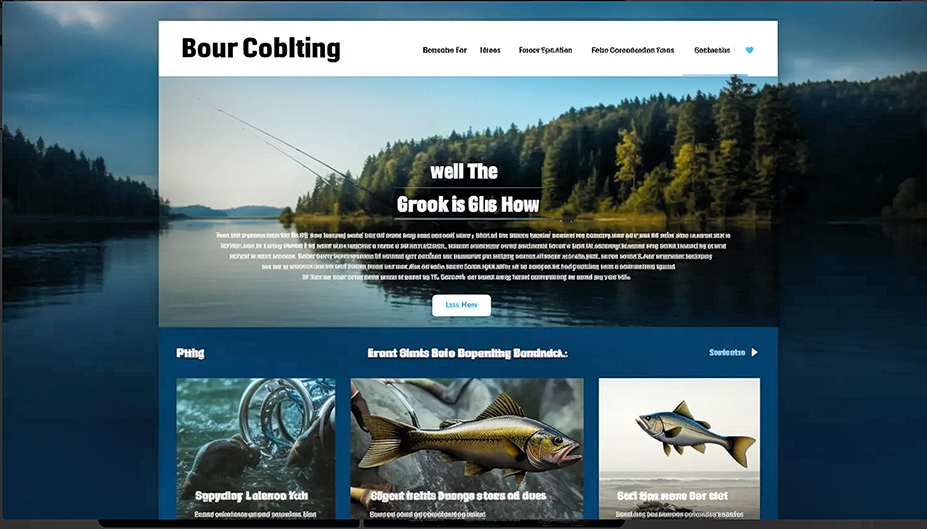
Review a proposed home-page layout and identify media that could be resized or rearranged. section 8.5
Figure 8.10 Here’s GPT’s version, rearranging the images to satisfy the criteria I provided.
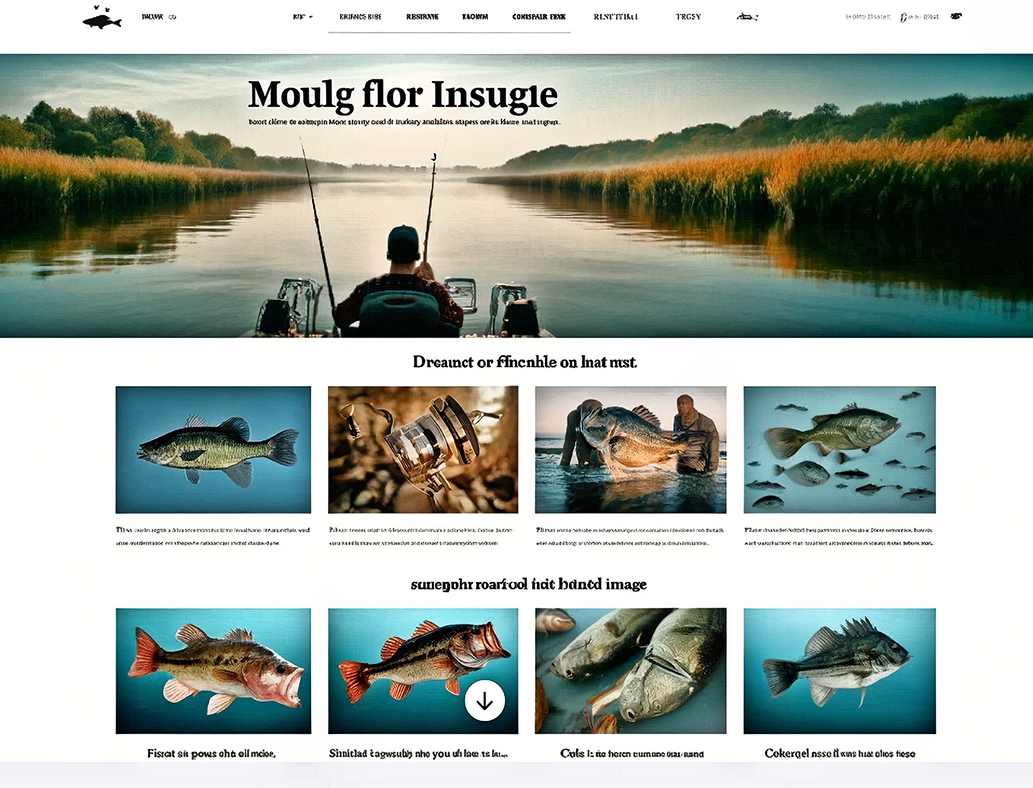
Compare the rearranged version with the original and judge whether it better satisfies the placement criteria. section 8.5
