Opacity controls whether something is visible through its transparency. Think of it as a dimmer switch for an element: `opacity: 0` hides it completely, while `opacity: 1` makes it appear. Handy when you want a caption or image to wait quietly until someone interacts with it. section 15.8 section 20.5
A common move is to hide an absolutely positioned layer, then reveal it with `:hover`. The layer stays in place over the image; only its visibility changes. No browser magic, just a carefully placed invisible thing becoming visible. section 15.8 section 20.5
Reveal a photo caption
Place a caption over a thumbnail, give it a translucent background, and hide the caption first: `.image-caption {` ` position: absolute;` ` left: 0; top: 0;` ` width: 300px; height: 200px;` ` background-color: rgba(32, 32, 32, 0.75);` ` opacity: 0;` `}` Then reveal it when the pointer reaches the caption: `.image-caption:hover {` ` opacity: 1;` `}` The `rgba()` background remains slightly see-through, while `opacity` decides whether the caption itself is shown. section 15.8 section 17.4
Fade in an image overlay
For before-and-after images, stack the after image above the before image. Start the overlay at `opacity: 0`, set `transition: opacity 1.5s ease`, and change its opacity to `1` on hover. The transition turns an abrupt appearance into a gradual fade. section 20.5
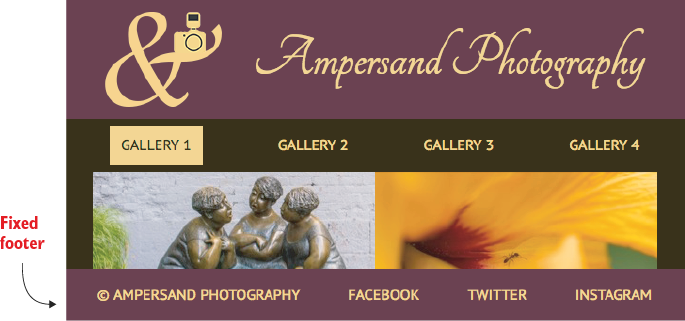
Use the gallery result to see the intended interaction: a hidden caption appears over a thumbnail when hovered. section 15.8


