A password reveal toggle lets people check a masked password for typos or a pasted wrong value before submitting. This can reduce invalid submissions and account lockouts, especially for people with cognitive or motor disabilities. Masking still helps limit shoulder surfing. section 7.3.1
Make the control usable and understandable:
- Support keyboard access and show a visible focus indicator. section 7.3.1
- Provide an accessible name and programmatically determined states, such as “Show password” and “Hide password.” section 7.3.1
Reduce repeated typing
Use one password field with a reveal button instead of asking people to enter a new password twice to check for typos. section 7.3.1
Figure 7.1 An optional password show/hide toggle can be used to reveal and hide a masked password value to check for typing errors before submission.
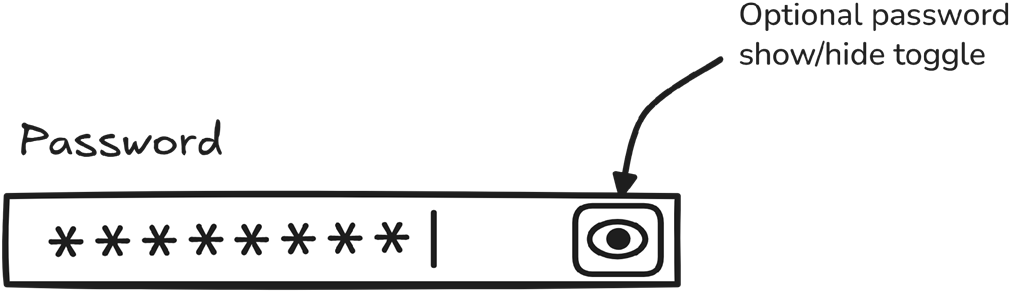
See how an optional show/hide control reveals a masked value for checking before submission. section 7.3.1
