PPI describes how densely pixels are packed into a screen inch. For website images, higher resolution is usually unnecessary because it does not make a displayed image sharper and can contribute to slower page loads. section 8.4
Use PPI alongside pixel dimensions and file size when preparing website images:
- Set website images to 72 PPI for computer screens. section 8.4
- Reduce oversized, high-resolution images to improve page loading without sacrificing displayed sharpness. section 8.4
- Keep pixel dimensions and file size separate: dimensions describe image width and height, while file size describes storage requirements. section 8.4
A practical website image
A full-screen background image can use 1,920 × 1,080 pixels at a 16:9 aspect ratio and about 400 KB when saved as a JPG. Its PPI target remains 72. section 8.4
Figure 8.8 Change an image’s size and resolution in a module like this one.
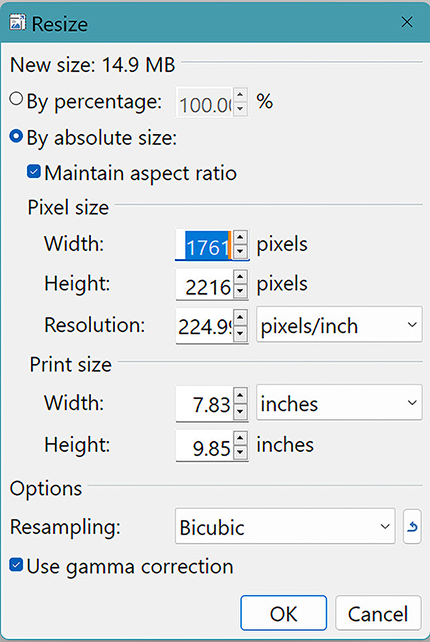
Use an image-editing module to change an image’s size and resolution. section 8.4
