Progressive enhancement builds a reliable baseline with semantic HTML and CSS, then layers JavaScript and newer platform features on top. Core functionality remains available when scripts, styles, devices, or browsers cannot provide the richer experience. section 12.1.1 section 12.1.3
Apply the strategy by making failure states part of the design from the beginning:
- Start with semantic HTML so content remains understandable through user-agent styles and assistive technologies. section 12.1.1 section 12.3
- Add CSS for visual hierarchy, but ensure content still arrives if stylesheets fail to load. section 12.1.1
- Use JavaScript and modern platform features to improve the baseline rather than replace it. section 12.1.1 section 12.1.3
- Test unsupported features with tools such as polyfills or CSS @supports feature queries, preserving a fallback outside the enhancement layer. section 12.1.3
When JavaScript or CSS fails
A page should still load and present its content if JavaScript is disabled to save data, or if CSS fails and the browser supplies its own outline and hierarchy. The enhanced interface can then serve users on modern devices without breaking the baseline for everyone else. section 12.1.1
Figure 12.1 In 2020, consultant Heydon Pickering developed his website so that it wouldn’t display if JavaScript was turned on in the browser.
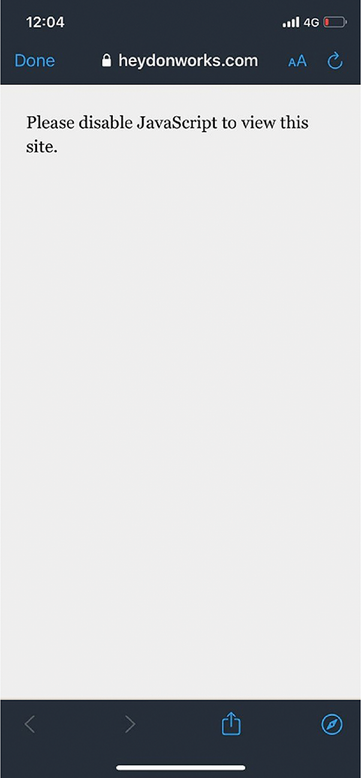
Use the figure as a striking example of designing an experience around the presence or absence of JavaScript. section 12.1.1

