liveBook · Manning

Interaction

As explained in D3.js in Action, Third Edition

An interaction is a user action and the resulting change in a visualization or interface.

An interaction connects a user action with a visible change in a visualization or interface. Plan it around the questions users want to answer. section 14.6

Useful interactions can answer questions such as:

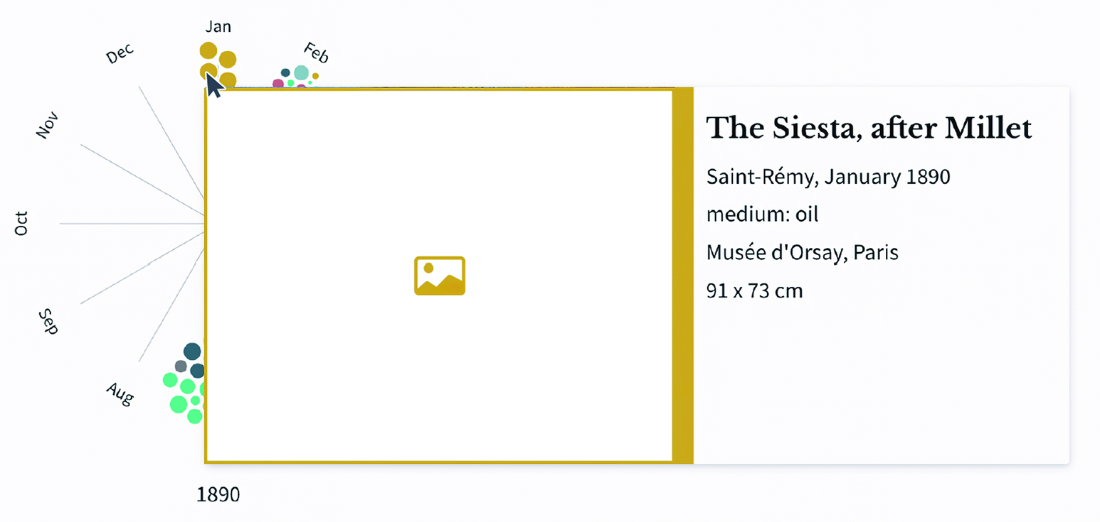
  • Identify the painting represented by a circle with a tooltip. section 14.6
  • Reveal exact monthly counts for paintings, drawings, and letters with a tooltip. section 14.6
  • Connect cities and artistic production through cross-highlighting. section 14.6
Figure 14.19 Tooltip triggered when the mouse is positioned over a visualization and revealing the number of paintings, drawings, and letters for each month
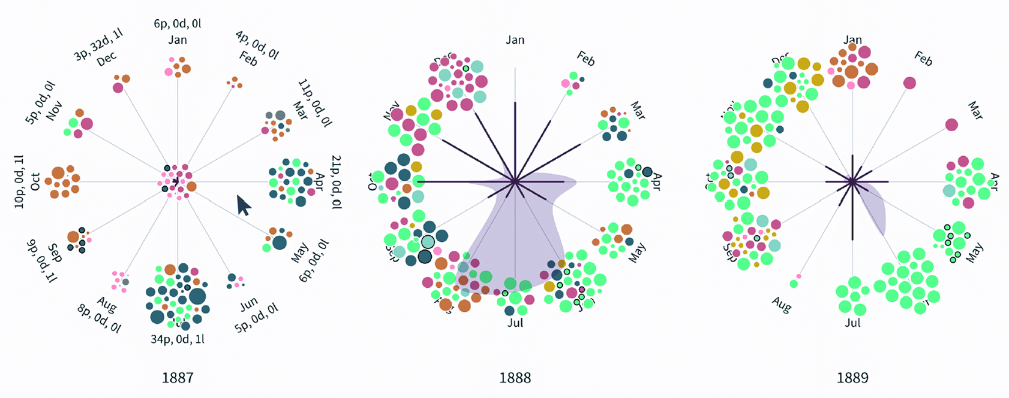
figure figure

Hovering over the visualization reveals monthly counts in a tooltip. section 14.6

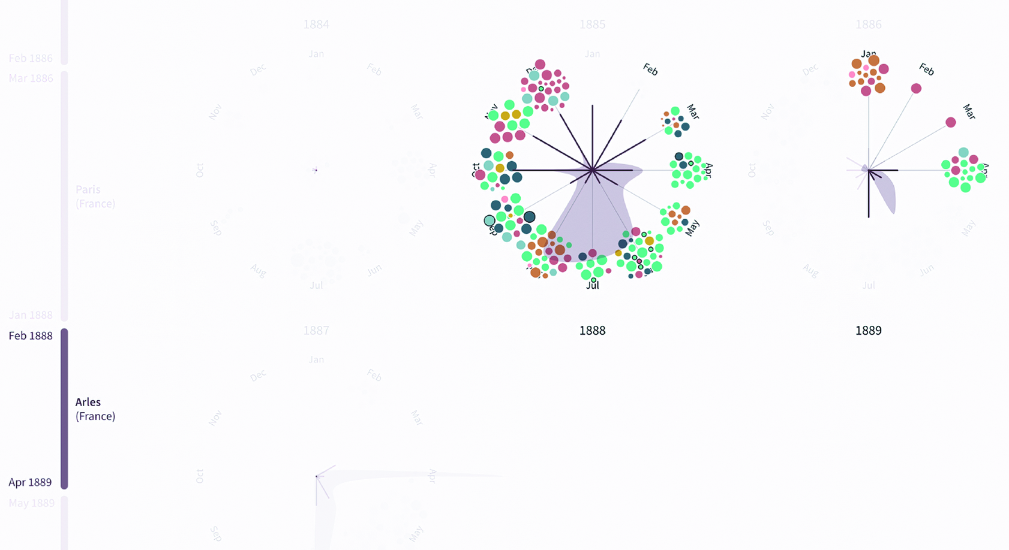
Figure 14.20 When a period is selected on the timeline, only the paintings created during that period are visible on the visualization.
figure

Selecting a timeline period filters the visualization to paintings created during that period. section 14.6

How D3.js in Action, Third Edition covers it

How deep it goes
Defines tooltips and cross-highlighting but defers implementation details and event-listener code.
Examples
Uses painting circles, monthly counts, timeline selection, and linked cities as interaction examples.
What it assumes
Assumes a completed static visualization and focuses on planning its next interactive behaviors.
What you can do after
Apply tooltips and cross-highlighting to answer concrete questions in a visualization.
How it connects
Connects tooltips, cross-highlighting, timelines, and data visualization.

Related concepts

This explainer was generated by Manning's knowledge graph from the text of D3.js in Action, Third Edition. The section links point to the parts of the book it draws on.