A security key is a physical device that proves account ownership during login without sending a password or private cryptographic secret. It is especially useful for protecting high-value accounts from phishing. section 2.1.4 section 15.2
Why the website address matters
Suppose an administrator follows a convincing phishing link to a fake cloud-login page. A password could be captured and reused. A registered security key checks the site’s origin and refuses to authenticate when the URL does not match the legitimate service. section 2.1.4 section 15.4
During registration, the key creates a unique key pair. The private key remains on the device, while the application stores the public key. During login, the application sends a random challenge; the key signs it, and the application verifies the signature with the stored public key. section 15.2
Practical considerations include:
- Connect through USB, NFC, or Bluetooth, then activate the key when prompted. section 15.2
- Use WebAuthn-compatible keys, which applications can integrate for passwordless authentication. section 2.1.4 section 15.0
- Register a backup key because losing the only key can lock you out. section 15.4
Figure 2.5 A user has to insert the YubiKey into their laptop and then click the button on the login screen for an application that supports a physical security key. The YubiKey checks whether the URL of the site the user is trying to log in to matches the URL stored on the YubiKey. If the URLs don’t match, the login fails. A YubiKey can protect against phishing attacks such as the one described in this section.
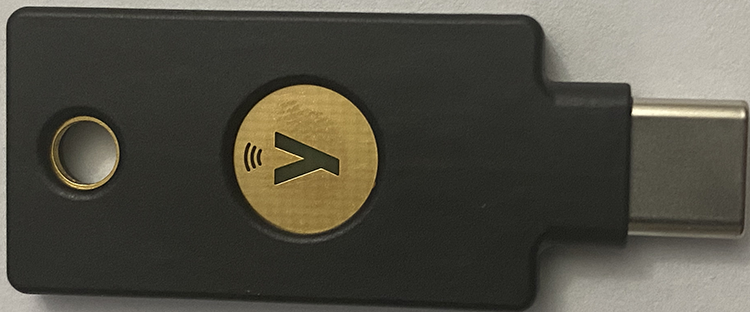
Shows the physical login interaction and how checking the stored site URL blocks a phishing site. section 2.1.4
