A shade is a darker variation of a hue, created by adding black or reducing lightness. Derived shades expand a palette while keeping a website visually cohesive. section 9.1.1
Use shades to make color decisions practical:
- Start with the primary color and create darker variants for a wider, related palette. section 9.1.1
- Prefer monochromatic combinations when you want harmony, simplicity, or less visual clashing. section 9.2.1
- Check contrast when applying shades, especially where readable text or clear user direction depends on color. section 9.2.2 section 9.9
Building a purple shade
Create a bright purple shape in Adobe Illustrator, then adjust the HSB brightness slider to make a much darker shade. In HSL or HSLA, keep the hue and lower the lightness to produce a related dark variant. section 9.1.1 section 9.7.3
Figure 9.2 The base color is a bright purple, followed by a much darker shade and a lighter-colored tint.
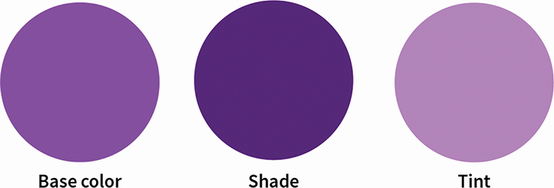
Compare a bright purple base with its much darker shade and lighter tint. section 9.1.1
