D3 selection transition() starts an animation and returns a transition for configuring interpolated changes. In a React visualization, it can animate curve paths while React continues to manage the surrounding chart. section 8.7
Animating filtered ranking curves
After a filter changes the data, select the SVG path in useEffect, then chain transition(), duration(400), ease(d3.easeCubicOut), and attr("d", lineGenerator(props.data)). Store the path with useRef and rerun the effect when data changes. Keep labels and badges under React and CSS transitions when many elements make D3 animation less attractive. section 8.7
Figure 8.13 For the rankings visualization, we’ll use the hybrid approach. We built the chart entirely with React but will allow D3 to control the d attribute of the curves to provide smooth transitions.
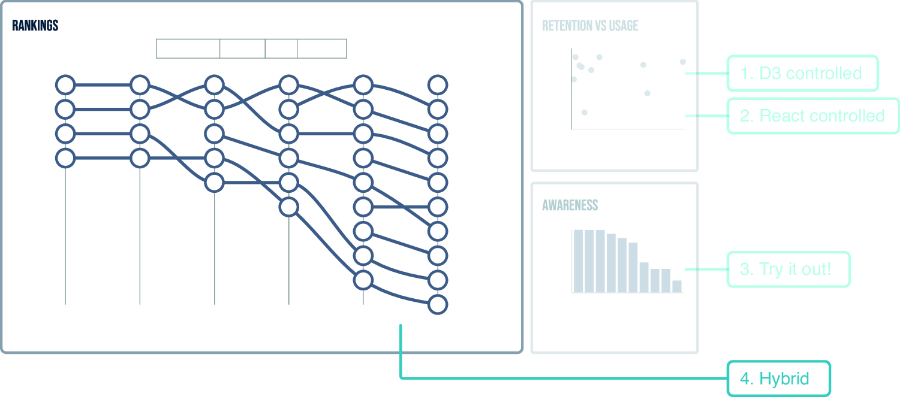
Use the hybrid rankings figure to see how D3 animates curve paths while React controls the rest of the visualization. section 8.7
