concept map view in category ios

This is an excerpt from Manning's book iOS 7 in Action.
The object that implements the MKAnnotation protocol must have at least a coordinate, a title, and a subtitle. When you decide to use this in your application, you can initialize it, set these properties, and add it to your map. You can also create custom views by subclassing the MKAnnotationView class and adding them to the map view.

This is an excerpt from Manning's book iOS 4 in Action: Developing iPhone and iPad Apps.
In this section we will build a View-based application containing the map view and name it SimpleMap. Before you start coding the MKMapView, you must first import MapKit.framework to your project. It provides all the libraries you need to work with maps.
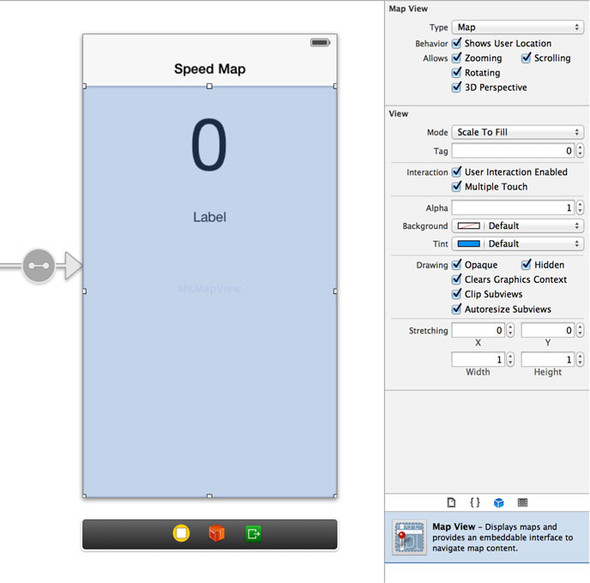
To add a map to your view, your must first create an MKMapView IBOutlet in the class that will be using the map. The following listing shows how to include the MapKit to the header file in the view controller and define the outlet for the map view.
Adding a map view to an application is similar to adding any other view. You can either do it through Interface Builder or programmatically. The choice is up to you, depending on how you like to work with UI elements. We’ll show you both methods.