concept tee set in category seam

This is an excerpt from Manning's book Seam in Action.
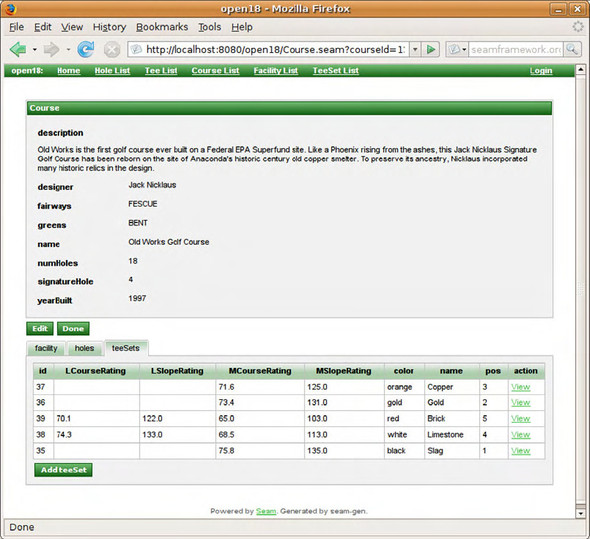
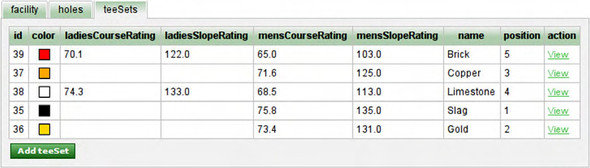
A round is associated with a tee set—the area on the golf course where you begin each hole. (A tee set isn’t a collection, but rather a singular entity that represents the position and color of the tee box on each hole.) The relationship between a round and a golf course is implied indirectly through the tee set relationship. A round is also associated with a golfer, which we assume is the golfer using the application when a new round is being entered. You will see how a Home can be used to establish these two relationships. Let’s start by looking at the declaration of the Home object that manages the Round entity.
To prevent users from clicking the Save button if they haven’t yet selected a tee set, we can add the convenience method isWired() to RoundHome that is used to toggle the disabled attribute of the Save button:
  public boolean isWired() {
      if (getInstance().getTeeSet() == null) {
          return false;
      }
      return true;
  }
The page fragment in listing 10.3 renders the tee set associated with the round below the editor form. Information about the tee set is read from the teeSet property on Round.
Listing 10.3. The panel showing the tee set associated with the round
<rich:tabPanel> <rich:tab label="Tee Set"> <div class="association"> <h:outputText value="Tee set not selected" rendered="#{round.teeSet == null}"/> <rich:dataTable var="_teeSet" value="#{round.teeSet}" rendered="#{round.teeSet != null}"> <h:column> <f:facet name="header">Course</f:facet> #{_teeSet.course.name} </h:column> <h:column> <f:facet name="header">Color</f:facet> <div title="#{_teeSet.color}" class="colorSwatch" style="background-color: #{_teeSet.color}"/> </h:column> ... <h:column> <f:facet name="header">Position</f:facet> #{_teeSet.position} </h:column> </rich:dataTable> </div> </rich:tab> </rich:tabPanel>