An accessible web application lets people perceive, understand, and use its content and functionality across different abilities, devices, input methods, and viewing conditions. It avoids assuming that users see color in the same way, use a mouse, or rely on visual error messages. section 1.1 section 1.0
Build for varied users with practical foundations:
- Use semantic HTML so browsers and assistive technologies can communicate structure, meaning, state, and functionality. section 1.1
- Make interactive elements keyboard-operable and keep focus states visible. section 1.1
- Support readability across devices, zoom levels, viewport sizes, and user-selected font sizes. section 1.1
- Use clear language, meaningful headings, and predictable navigation. section 1.1
Small barriers, real impact
A form that cannot be completed with a keyboard, a design that relies on color alone, or an error message not communicated to screen-reader users can block access to an application. section 1.0
Figure 1.5 The stages of building accessible web applications: understanding accessibility standards and regulations, determining core web technologies for accessible content and functionality, designing inclusive security, addressing modern web-app challenges, and sustaining accessibility over time.
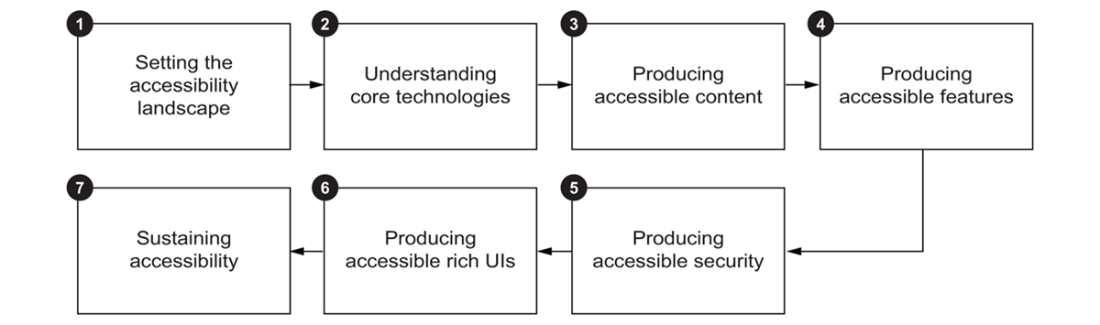
The stages connect accessible content and functionality with security, modern web-app challenges, and ongoing accessibility work. section 1.6
