Browser developer tools make otherwise abstract CSS behavior visible. Inspect an element to see which selectors apply, how specificity orders them, which declarations are overridden, and which values arrive through inheritance. section 1.2
Use the inspection workflow to locate the source of a styling result:
- Right-click the element and choose Inspect or Inspect Element. section 1.2
- Read the style inspector from higher to lower priority; crossed-out declarations have been overridden. section 1.2
- Check inherited properties and follow each stylesheet filename and line number back to its source rule. section 1.2
- Filter declarations when many rules obscure the property you are investigating. section 1.2
Tracing an inherited font
Set a font on the body, then inspect a descendant element. The inspector shows the inherited value and reveals whether a more specific rule overrides it. This connects the visible result to the rule that produced it. section 1.2
Figure 14.11 Interactive clip-path editing in Firefox
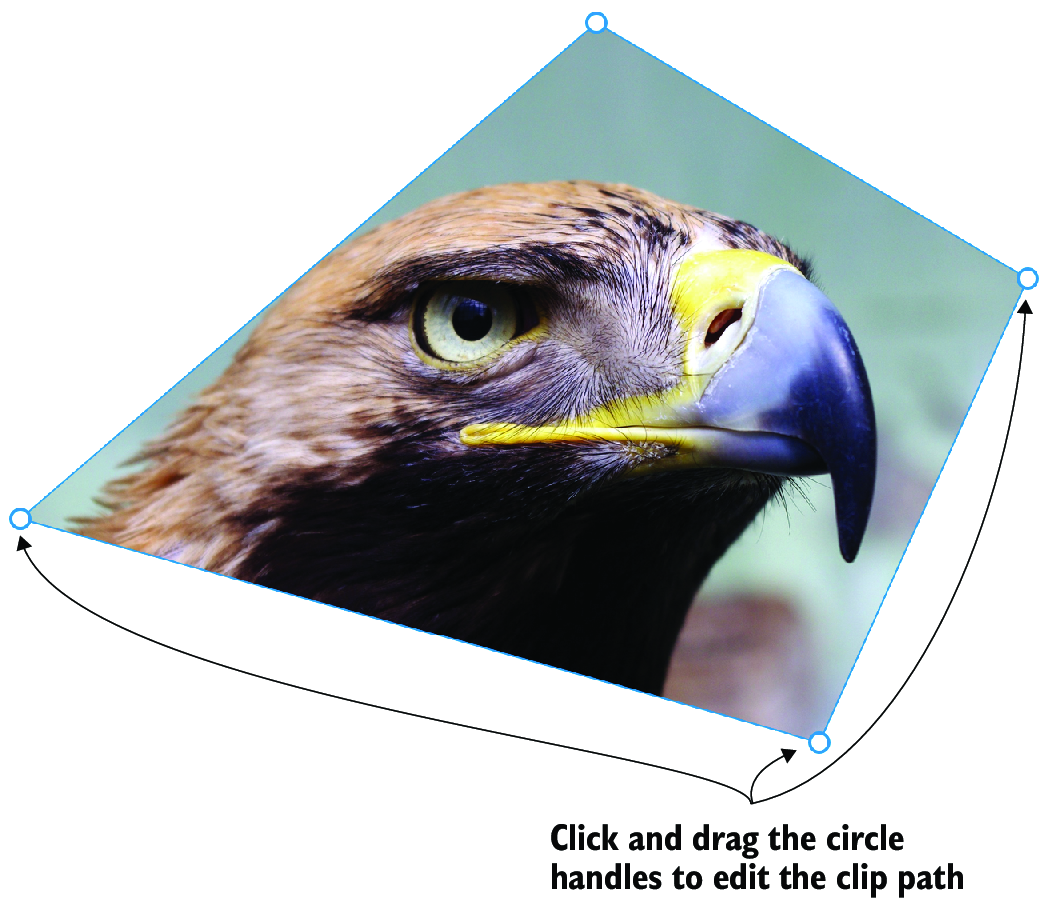
Firefox DevTools can turn clip-path editing into a visual task: drag polygon vertices or shape handles and watch the CSS change in the Rules pane. section 14.3.2
Use DevTools not only when a style is broken, but also when a page behaves impressively: inspect it, identify the rules behind the result, and test how the pieces work together. section 17.6

