A pull request can open with a high-level account of its changes, affected files, and review priorities. Copilot for Pull Requests generates that summary when a developer explicitly requests it through the Summary tool. section 13.3
Use the generated summary in several places:
- Add it to a new pull request’s description. section 13.3
- Insert it into an existing pull request by editing the opening comment. section 13.3
- Post it as a comment on the pull request timeline. section 13.3
Figure 13.1 GitHub Copilot for pull request summaries button, seen in PR description editor toolbar
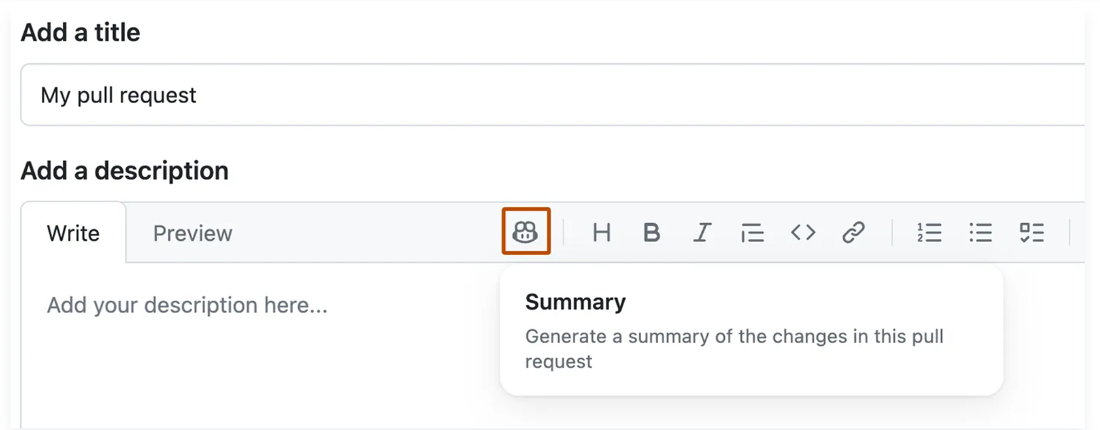
The toolbar view shows where developers request a Copilot-generated pull request summary. section 13.3
