Cross-highlighting links views so an interaction in one view reveals the related data in another. It helps people connect a timeline, map, or other control to the items it describes instead of inspecting each view separately. section 14.6 section 8.7
Filter paintings by timeline period
Selecting a period on a timeline can limit a paintings view to works created during that period, connecting places and periods in a life timeline with artistic production. section 14.6
Explore events by country
A map can act as a filter for a blackout visualization: choosing a country highlights or exposes the internet-blackout events associated with it. section 8.7
Figure 14.20 When a period is selected on the timeline, only the paintings created during that period are visible on the visualization.
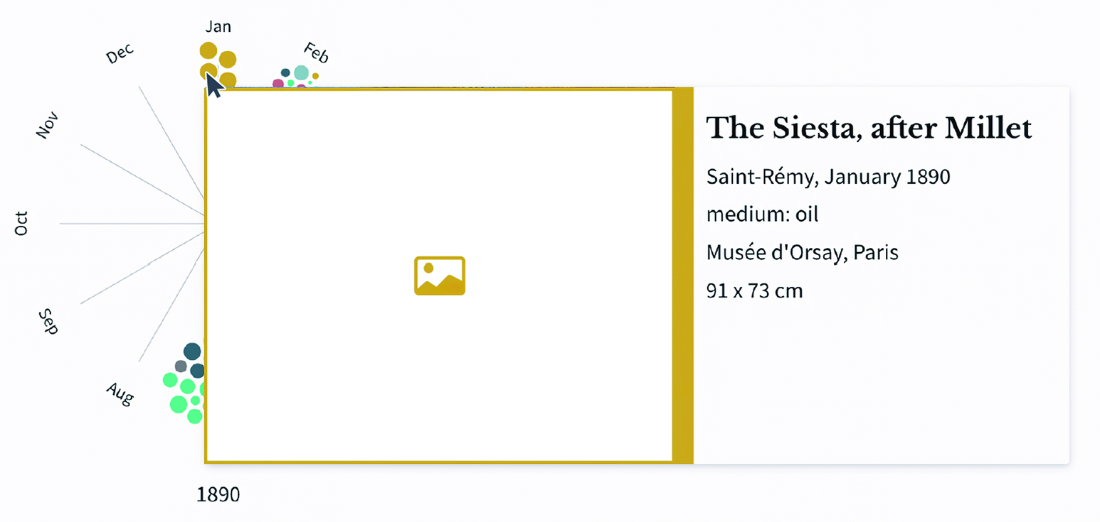
The selected timeline period leaves only the related paintings visible, showing cross-highlighting as a direct visual filter. section 14.6
