A global variable is a centrally managed value that can be reused across Langflow flows. It is useful for shared settings such as API keys, so each flow does not require the same value to be entered repeatedly. section 2.2
Manage a global variable through a short lifecycle:
- Create it from a component parameter, such as the OpenAI API Key field, or from the Global Variables settings. section 2.3
- Give it a recognizable name and enter its value. section 2.3
- Choose the credential type for API keys; Langflow encrypts credentials. section 2.3
- Update, delete, or display unencrypted variables from Settings. section 2.3
Reuse an OpenAI API key
Create an OpenAI secret key, open the globe icon beside the OpenAI component’s API Key parameter, choose Add New Variable, name it “OpenAI Key,” paste the value, select Credential, and save it. The key can then be reused across multiple flows. section 2.3
Figure 2.15 You can save all of your keys as global variables and reuse them as needed.
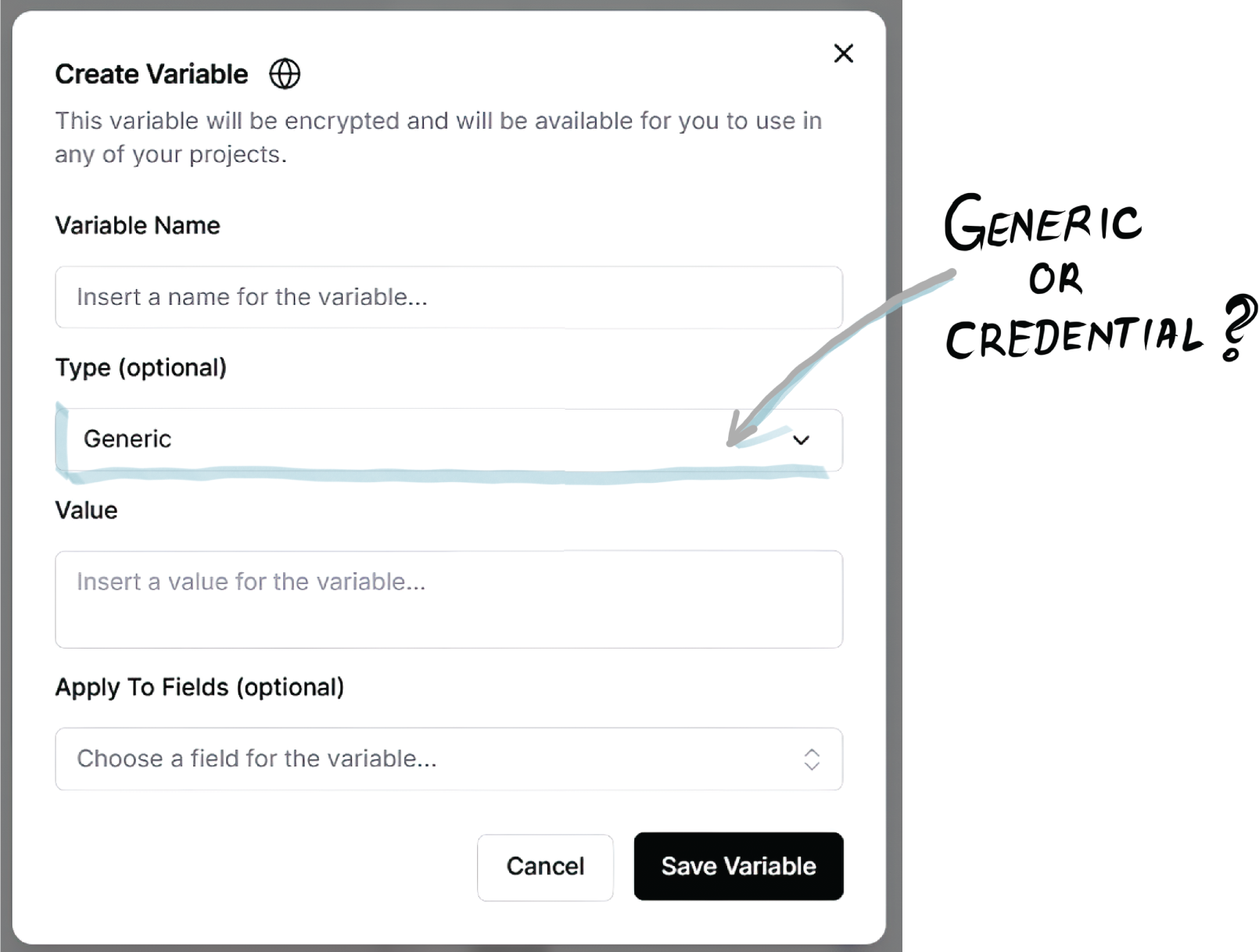
Shows the Langflow interface for saving keys as global variables and reusing them. section 2.3











