When users struggle to articulate prompts, a product can shift interaction toward familiar visual controls. A graphical interface makes actions explicit instead of relying on open-ended conversation. section 3.3.1
A graphical interface is a user interface built from visual and control elements whose meanings and usability have been refined over decades. Its interactions are more constrained than those of a conversational interface, which can make products easier to navigate and ground. section 3.3.1
Design choices include:
- Use graphical elements when users are poor at prompting or when effective prompting requires specialized skill. section 3.3.1
- Combine graphical and conversational patterns when users need both familiar actions and flexible interaction with AI. section 3.3.1 section 3.4
- Balance automation with user control rather than treating model capability as the only design objective. section 3.4
Figure 3.8 Anacode’s Innovation Monitor has a traditional graphical interface, which provides confidence and grounding to B2B users.
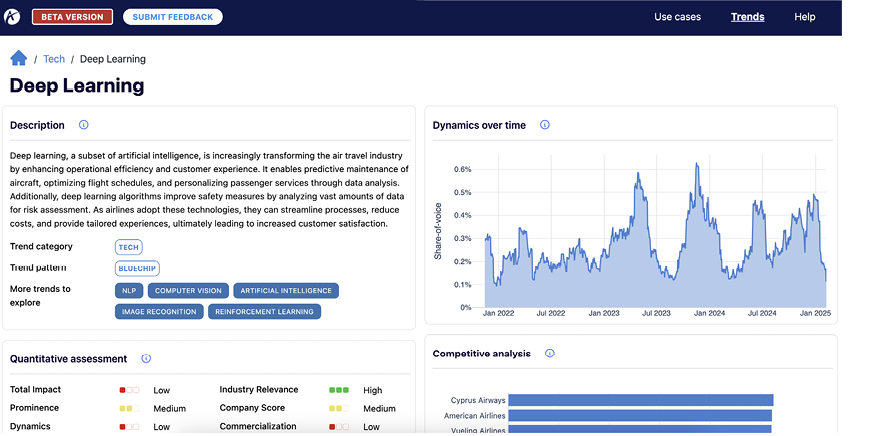
An example of a traditional graphical interface shows how familiar visual structure can provide confidence and grounding for B2B users. section 3.3.1
