Grouping arranges related content or interface elements into perceptually distinct units. Place related elements close together and use larger whitespace between groups so users can scan and understand relationships quickly. section 2.1.1
Use grouping to make relationships and actions easier to recognize:
- Keep a heading close to the text it introduces, while separating neighboring content groups. section 2.1.1
- Separate action buttons from navigation buttons when users need to find a primary action quickly. section 2.1.1
- Group related checkout fields under section headings instead of presenting one continuous line of inputs. section 2.1.1
Blog previews
Pair each blog title with its preview text, keep the title close to that text, and add whitespace before the next pair. Bold lettering can distinguish the title without breaking the pair’s overall grouping. section 2.1.1
Figure 2.14 If we group related input fields and add section headings, the checkout form becomes easier to parse when scanning it.
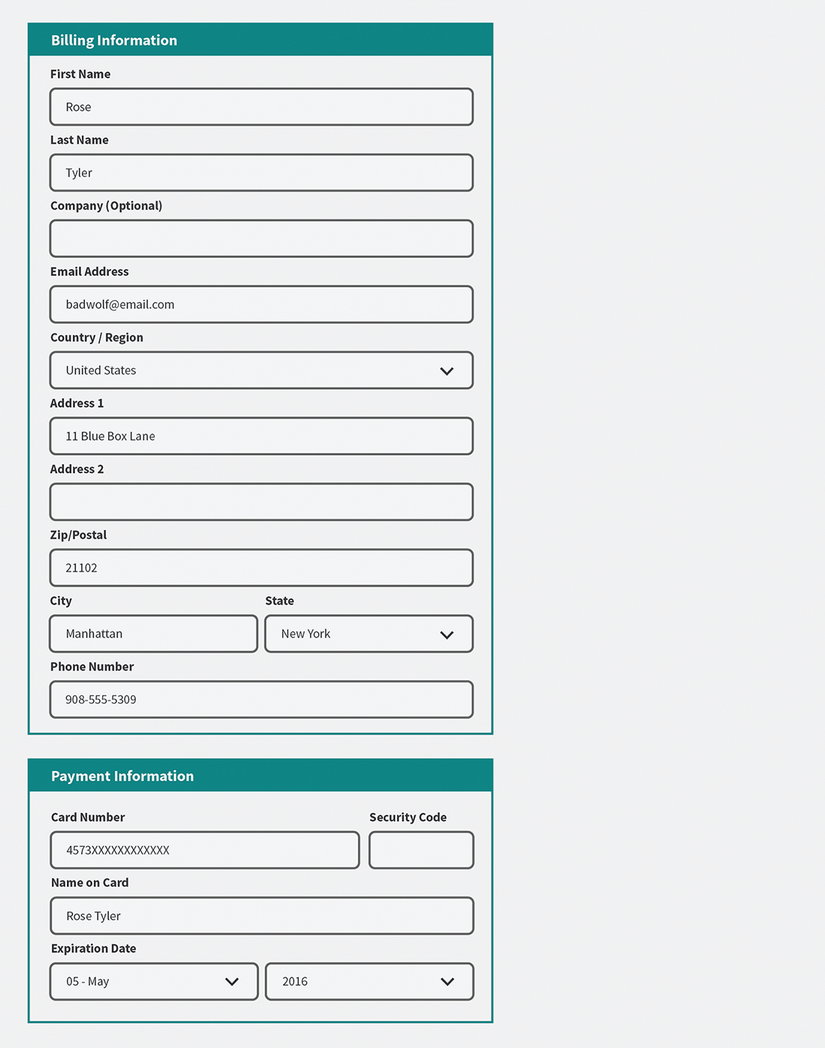
Compare an unstructured checkout form with one that groups related input fields under section headings. section 2.1.1
