Hover is the pointer-over state represented by the CSS :hover pseudo-class. Use it to provide immediate visual feedback when a pointer rests over an interactive element, such as changing a navigation link’s color. section 16.2
Apply hover as part of a larger interaction pattern:
- Target the element with :hover, as in .nav-links > li > a:hover. section 16.2
- Change a visible property, such as the link color changing to an accent yellow. section 16.2
- Combine hover with transition when the change should unfold over time rather than occur abruptly. section 16.2
- Account for keyboard users with :focus-within when styling a larger interactive navigation region. section 16.2
- Order link-state rules as link, visited, hover, active when equal specificity is used; later declarations override earlier ones. section 1.1.4
Reveal and emphasize a navigation menu
A compact navigation can remain visually quiet until interaction begins. On small screens, style each link directly: .nav-links > li > a:hover { color: var(--accent-yellow); }. On larger screens, place the menu at the left edge and transition its background: .main-nav { background-color: transparent; transition: background-color 0.5s linear; } .main-nav:hover, .main-nav:focus-within { background-color: rgb(0 0 0 / 0.6); }. This uses hover for pointer feedback while preserving a related focus state for keyboard navigation. section 16.2
Figure 16.5 The menu icons on the left will feature several transforms and transitions.
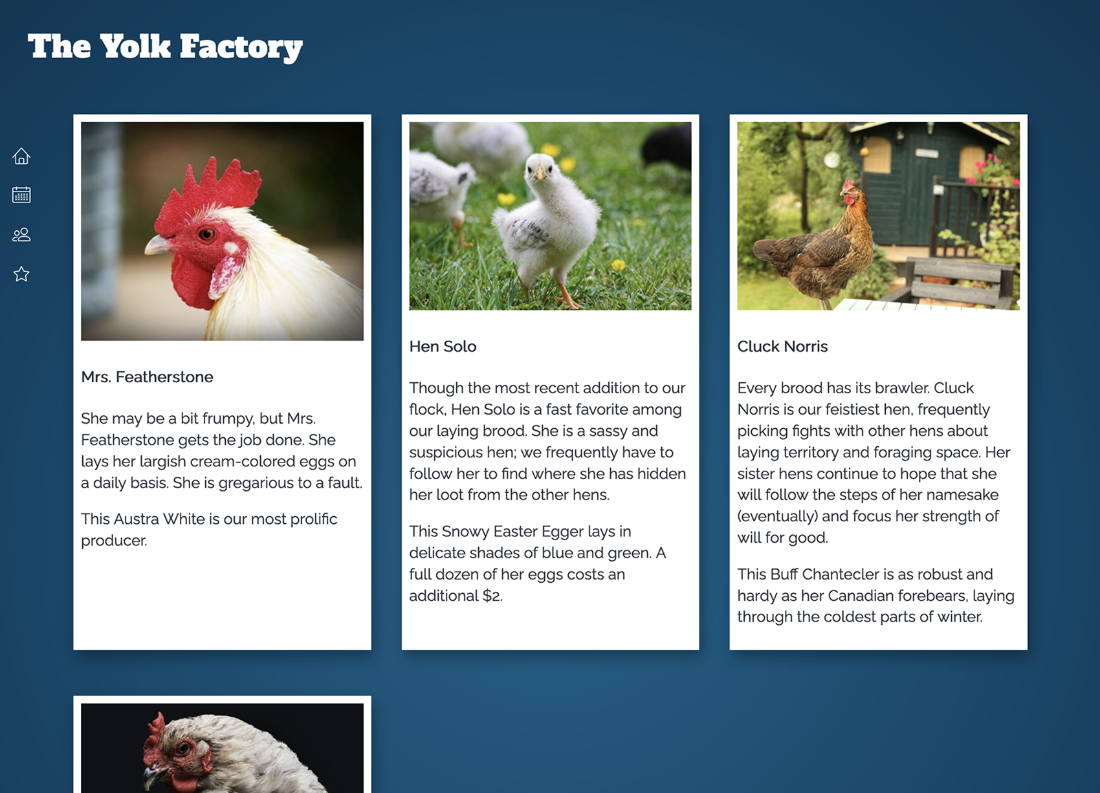
Use the figure to see the navigation menu’s intended interaction: vertically docked icons whose labels and surrounding treatment respond to interaction. section 16.2


