Kestrel is ASP.NET Core’s open-source, cross-platform, event-driven, asynchronous HTTP server. In a Visual Studio project, selecting the project-named launch profile runs the board-game API with Kestrel. section 2.4.1
Configure Kestrel through the project’s launch settings:
- Set HTTP and HTTPS ports for the Kestrel profile. section 2.4.1
- Choose the runtime environment and starting URL. section 2.4.1 section 2.5.1
- Leave IIS Express unchanged when testers are required to use Kestrel only. section 2.5.1
Configure a tester profile
For the MyBGList API, assign TCP ports 55221 and 55222 to HTTP and HTTPS, select the Staging environment, and launch directly at the BoardGamesController Get() endpoint. Select Kestrel, start the application, and verify that the browser displays board-game JSON including MinPlayers and MaxPlayers. section 2.5 section 2.5.1 section 2.5.5
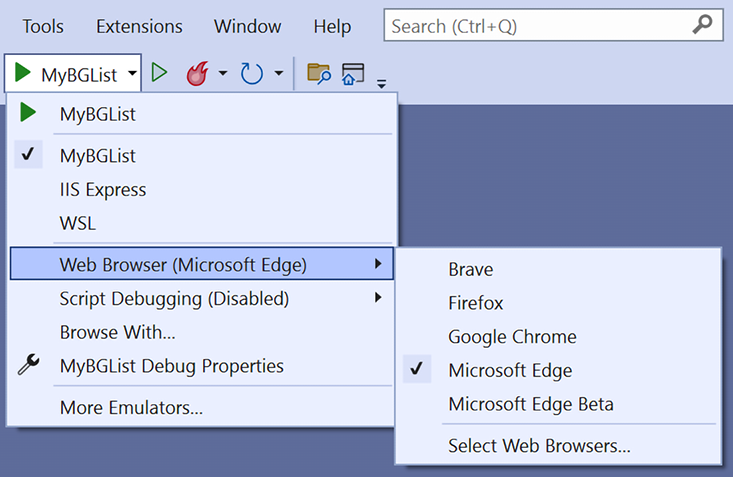
Use the Visual Studio Start button to select the project profile corresponding to Kestrel. section 2.4.1

