A masonry layout arranges content in multiple columns while allowing each item to keep its own height. Unlike a modular grid, it does not force every row to a fixed height, so cards fill the vertical gaps between differently sized items. section 6.3.2
Visual content cards
Image galleries and blog-post cards suit masonry layouts because images and headlines vary in size. Pinterest is a familiar example: different headline lengths create cards with different heights that flow together. section 6.3.2
Use the pattern as an early layout decision:
- Choose masonry for visual collections whose items naturally differ in height. section 6.3.2
- Choose a modular grid instead when strict row and height alignment matters. section 6.3.2
- Treat layout choice as part of defining the page’s skeleton and content flow. section 6.3.2
Figure 6.15 A masonry grid layout has no extra space between content items, even if they’re not the same height.
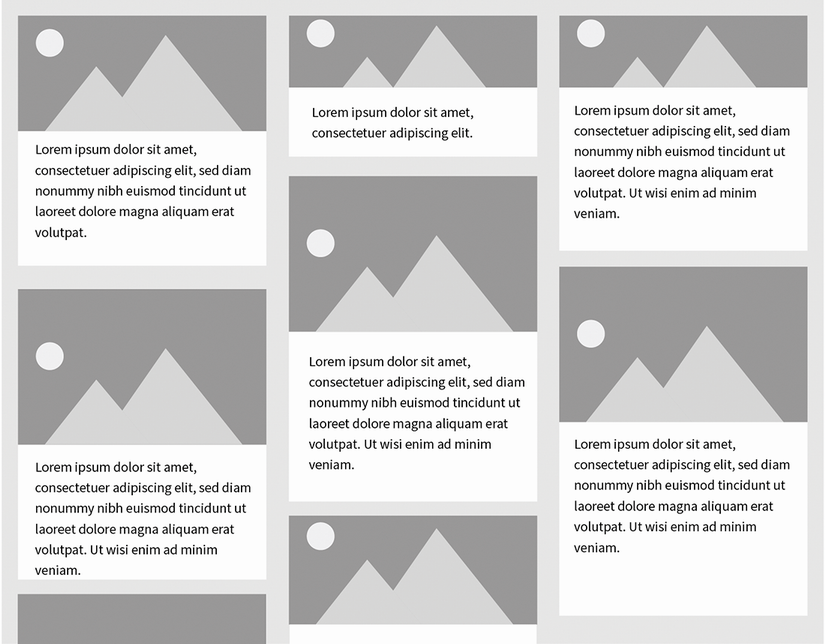
The figure makes the defining visual property apparent: unevenly sized items sit together without extra vertical space. section 6.3.2
