The PowerShell extension gives Visual Studio Code PowerShell language support for scripting and development. Install the stable release from the Extensions panel, then keep it updated. section 2.4
Useful setup choices include:
- Set new files to use PowerShell by default with "files.defaultLanguage": "powershell" in settings.json. section 2.4
- Enable bracket colorization to make nested scripts easier to read. section 2.4
Verify the installation
Create an empty .ps1 file and type Get-P. IntelliSense should suggest commands such as Get-Process; if it does not, fix the setup before continuing. section 2.7
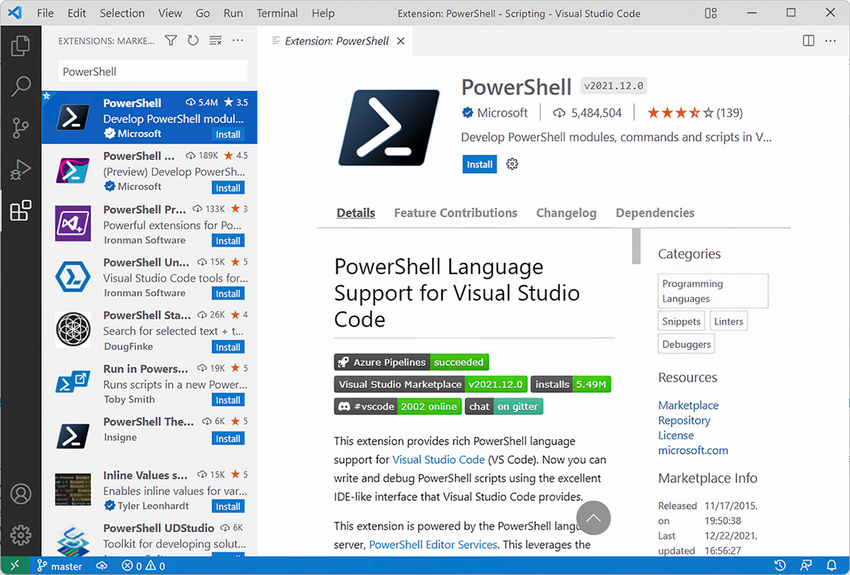
Use the installation figure to locate and select the stable PowerShell extension in VS Code. section 2.4

