An AWS tag is a key-value metadata label attached to a resource. Tags identify and organize resources, support filtering and cost attribution, and can help restrict access. section 6.3
Use tags to distinguish testing from production, assign cost centers, or mark every resource belonging to an application. In a CloudFormation WordPress deployment, the system=wordpress tag helps locate the infrastructure later. section 2.1
Common operational uses include:
- Identify who owns an EC2 instance before terminating it or changing its configuration. section 6.3
- Attribute resource costs to individuals, projects, departments, or cost centers. section 6.3 section 2.1
- Filter resources and distinguish components belonging to different applications or environments. section 6.3 section 2.1
- Automate owner tagging with a Lambda function when an EC2 instance is launched, avoiding forgotten manual tags. section 6.3 section 6.0
WordPress infrastructure
During CloudFormation stack creation, add the custom tag system=wordpress. The tag marks the resources belonging to the WordPress system and makes the application infrastructure easier to find. Tag keys can be under 128 characters and values under 256 characters. section 2.1
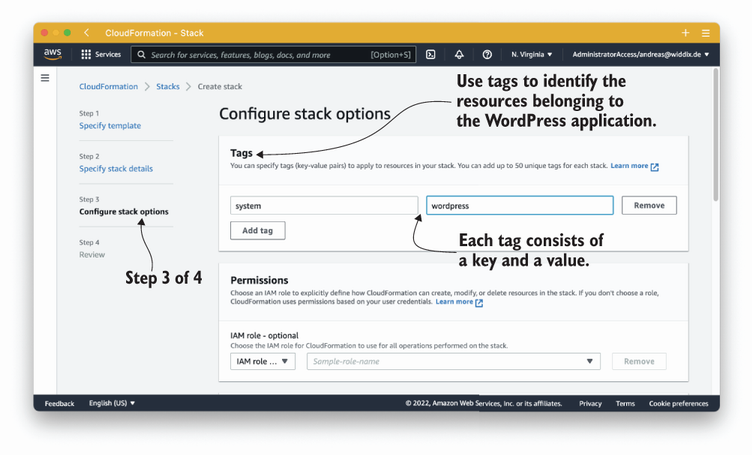
Use the stack-creation configuration figure to locate the CloudFormation step where infrastructure tags are specified. section 2.1





