A staging environment is a separate copy of a website where you can make and test changes while the live site remains available to visitors. When the changes are ready, the copy replaces the older live version. section 2.2 section 2.4
Use staging when you need to:
- Try site improvements without taking the live website offline. section 2.4
- Investigate plugin conflicts without continuing to block visitors. section 5.5
- Work through changes privately before making them public. section 2.2
Testing a plugin conflict
Back up the site, create or open its staging copy through the hosting service or a staging plugin, and test the problem there. Deactivate all plugins, then reactivate them one at a time until the bug returns. The last plugin activated is the likely culprit. section 5.5
Figure 2.1 In your Settings > Reading screen, discourage search engines from judging your site-in-progress.
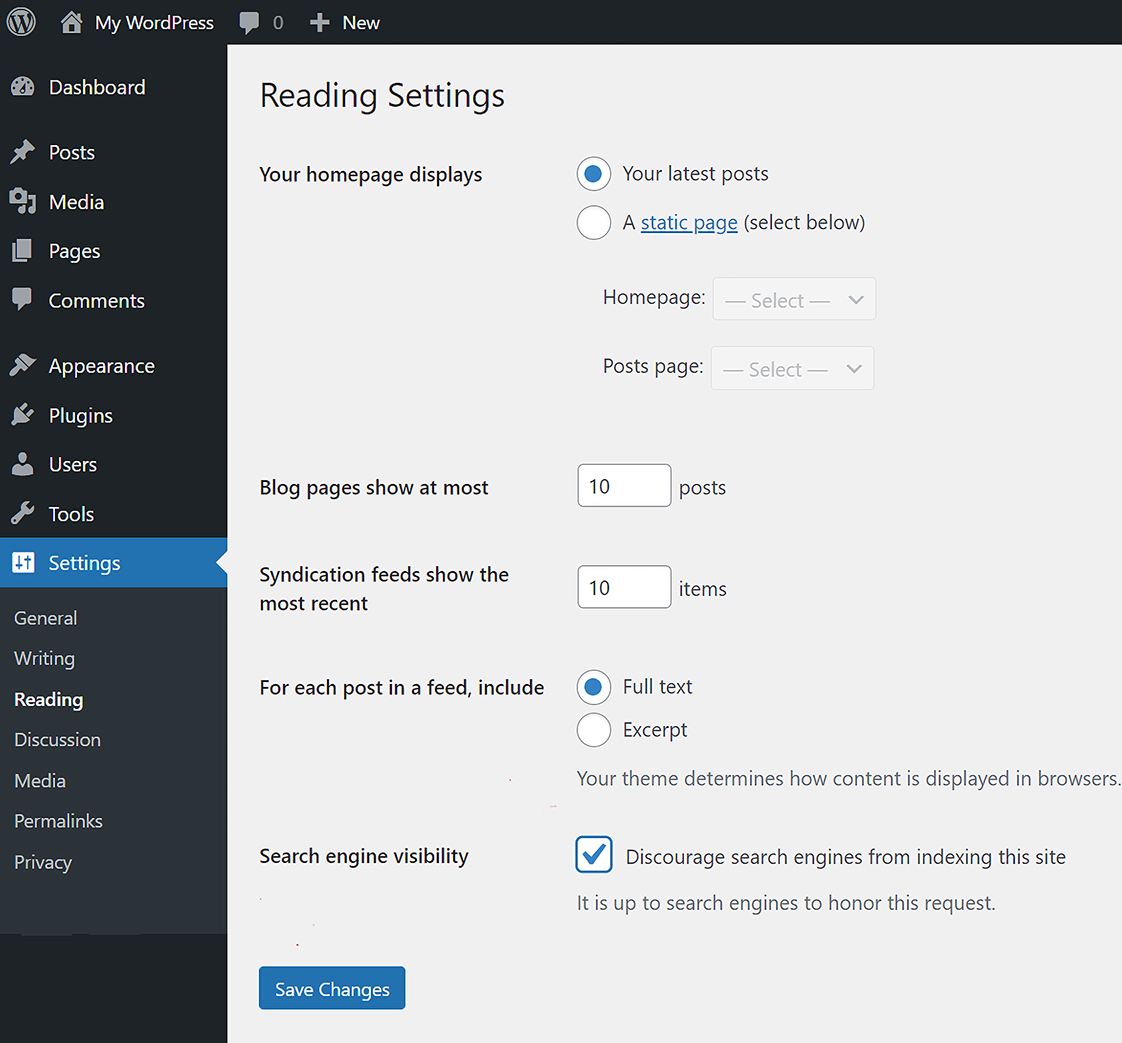
Discourage search engines from judging a site while it is still being prepared. section 2.4



