Text alignment positions words within a block or along an alignment edge or axis. Left, right, centered, and justified text can organize a page, improve readability, and shape how cohesive a component feels. section 2.1.2
Use alignment to make relationships and structure visible:
- Align related content consistently so headlines, text, buttons, and other components share an invisible line. section 2.1.2
- Treat centered text deliberately; mixing it with left-aligned content can make a component feel disjointed. section 2.1.2
- Alternate alignment between sections only when the change helps differentiate content and direct attention. section 2.1.2
A more orderly card layout
Hotel cards with centered names can feel out of alignment even when their top edges match. Left-aligning the content and placing each name below its image makes every card read as an orderly rectangle. section 2.1.2
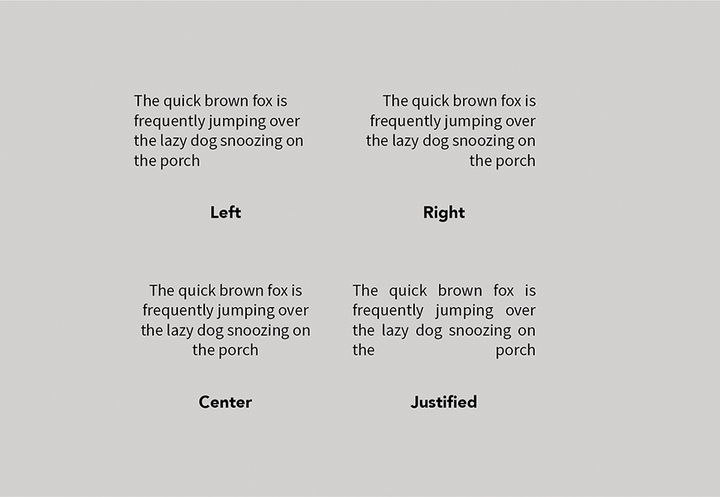
Compare the main text-alignment options used in interface design. section 2.1.2

