An accessibility barrier is a feature, condition, or design decision that makes it harder or impossible for someone to access information or use technology. Barriers can affect people with permanent, temporary, or situational limitations; accessible design helps people get things done without forcing them to adapt to technology. section 1.0
Barriers can appear in different parts of a digital experience:
- A page can block an essential task for someone using assistive technology; an accessibility overlay may not fix the underlying problem and can interfere with assistive technology already in use. section 2.4
- An identity check can create a barrier when it requires recalling information, transcribing codes, solving challenges, or switching devices without alternatives. section 7.4
Figure 2.1 Accessibility overlays are added to websites by developers and are typically activated by users using a toggle icon at the left-hand corner of the screen. These would, in turn, display a configuration overlay containing various accessibility features, such as text resizing, a screen reader, and others.
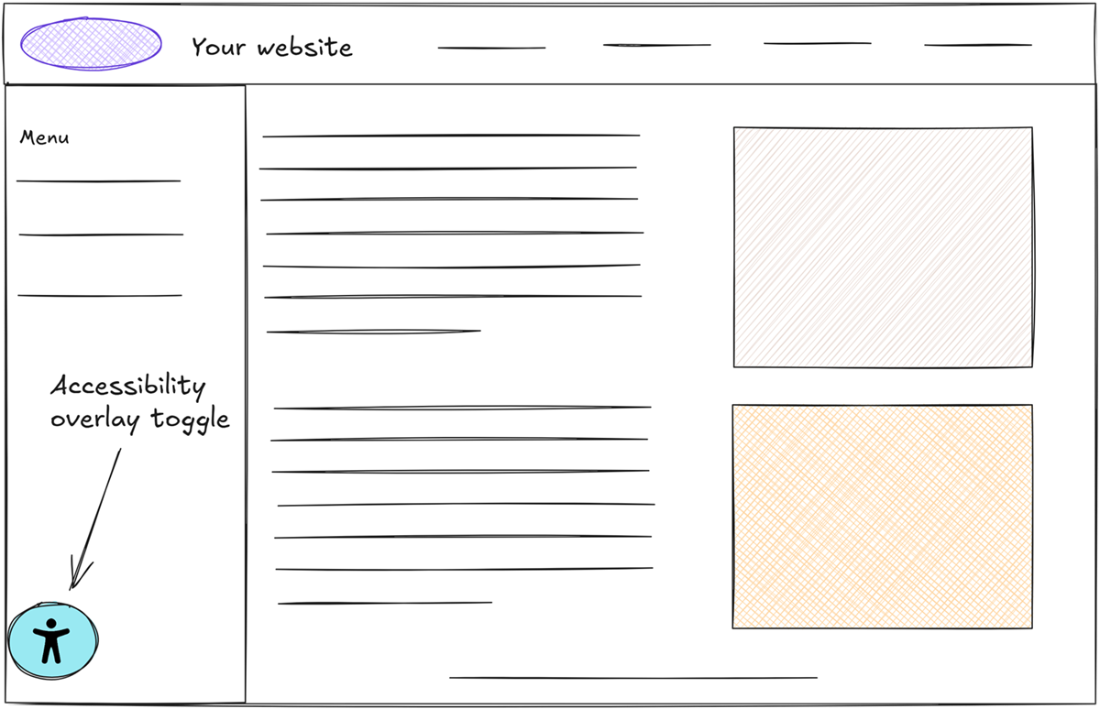
The figure shows an accessibility overlay opened from a toggle, with options such as text resizing and a built-in screen reader. section 2.4
