Accessibility testing evaluates a website interface for barriers affecting people with disabilities. Automated checks provide a useful starting point, but they cannot find every possible accessibility issue. section 8.6.2
Test a WordPress theme through the browser:
- Activate the theme through Appearance > Themes > Add New, open the frontend, and run Chrome Lighthouse with Ctrl-Shift-I or Inspector. section 8.6.2
- Open the Accessibility analysis to review its score and reported issues, such as poor text/background contrast or unclear buttons and links. section 8.6.2
- Run axe DevTools from the browser Inspector for broader checks, suggested fixes, and optional LERA spreadsheet reporting. section 8.6.2
- Also inspect keyboard navigation and ARIA roles when reviewing a theme. section 8.6.2
You would likely find this Web Developer extension valuable when building and maintaining a site.
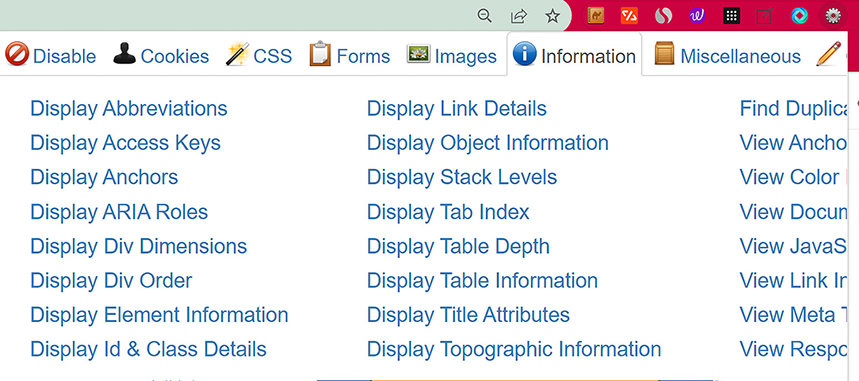
Use the Web Developer extension to inspect site internals, including ARIA roles, while building or maintaining a site. section 8.6.2
