Autoscaling automatically expands and contracts Kubernetes capacity as workload changes. It can adjust the whole cluster or the replicas of an individual microservice, reducing idle resource costs while absorbing demand spikes. section 12.3.4 section 12.3.5
Apply autoscaling at two levels:
- Cluster autoscaling grows the node pool near its resource limits and removes unneeded resources during low demand. section 12.3.4
- Microservice autoscaling expands or contracts a deployment’s replicas to handle bursts affecting that service. section 12.3.5
- Treat scaling changes as operational changes: validate them away from production before applying them to a customer-facing cluster. section 12.3
Enable cluster autoscaling with Terraform
Set enable_auto_scaling to true and define node-pool bounds such as min_count = 3 and max_count = 20. Kubernetes can then add or remove nodes within those limits. section 12.3.4
Make a microservice burstable
Deploy an autoscaling/v2 HorizontalPodAutoscaler targeting the gateway Deployment, with minReplicas = 3 and maxReplicas = 20. section 12.3.5
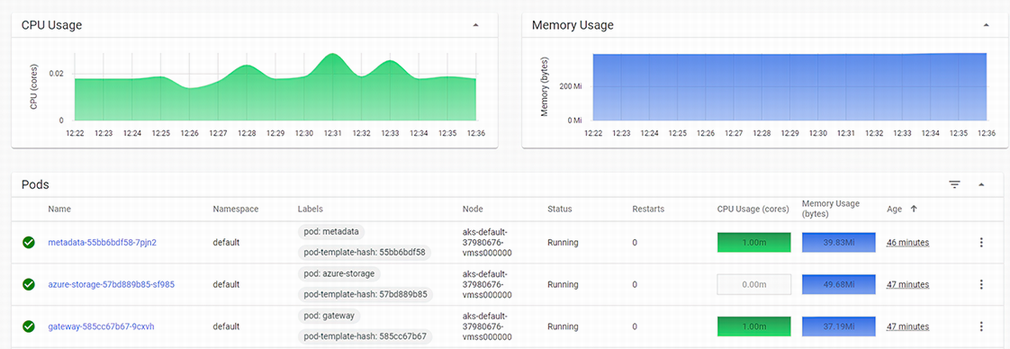
Inspect CPU and memory usage for microservices in the Kubernetes dashboard when assessing scaling behavior. section 12.3






