Flux.1-dev is a powerful open Flux image-generation model: a major step beyond earlier Stable Diffusion results when the goal is to turn a prompt into a convincing image without playing prompt-whack-a-mole. It is especially strong at high-resolution output, realistic people, legible text, and scenes whose objects must appear in the requested arrangement. section 9.0 section 9.4
Its advantage is not merely that an occasional result looks good. A useful test is whether a strong image arrives in a few attempts rather than after a heroic pile of rerolls. A first-generation 1028×1028 coffee image is used as that kind of reality check; impressive showcase images are less meaningful if they were cherry-picked from many samples. section 9.1.1
Figure 9.1 Image (1028x1028 resolution) generated on a first try with the prompt.
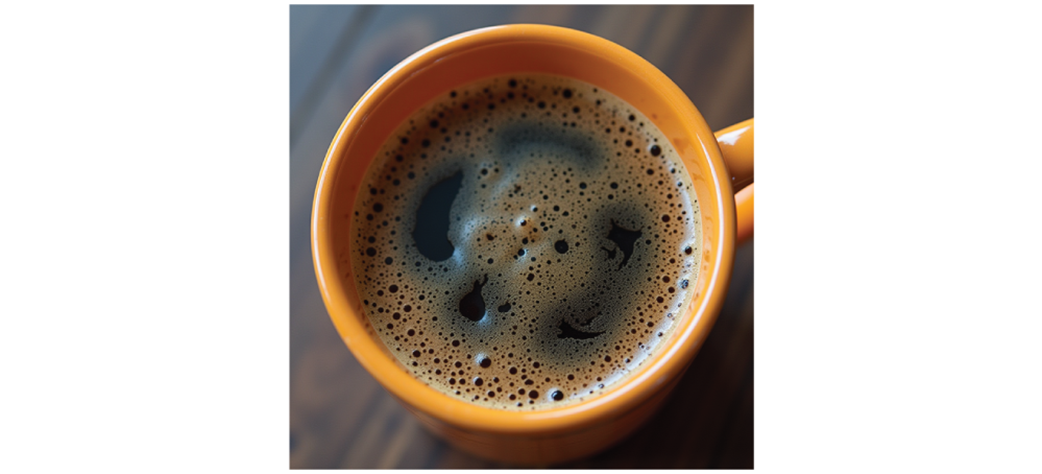
Use this first-pass coffee result as a benchmark for judging whether quality is representative rather than a lucky outlier. section 9.1.1
Flux.1-dev improves several visible failure points of older diffusion models:
- Human images can produce realistic-looking eyes and hands, although the overall cleanliness can still make the result feel AI-generated. section 9.1.2
- Text on images is often correct and readable, though elaborate wording can still confuse the model. section 9.1.3
- Complex prompts can retain more requested objects, placement, and composition details. This ability is called prompt adherence. section 9.1.4
- Negative prompts and prompt emphasis are not supported; Flux relies on stronger direct prompt following instead. section 9.1.4
Prompt adherence means following details in a complex description, particularly how objects are arranged. Given coffee beside cherry pie on a marble pedestal, with red curtains and a black-and-white zigzag floor, Flux retained the requested scene more successfully than SD 1.5 and SDXL. It can still make small mistakes, so “followed the prompt” is not the same as “perfectly rendered every pixel.” section 9.1.4
The catch is hardware. Flux.1-dev requires significant VRAM or unified memory, and can be difficult to run on high-end consumer GPUs such as RTX 3090/4090 hardware. Quantized variants reduce memory use with minimal quality loss, making local inference more practical. Full-precision Flux needs about 24GB VRAM; quantization can reduce practical inference needs to roughly 8–12GB. section 10.1.2 section 11.1
Running Flux is much cheaper than customizing it. Fine-tuning a Flux checkpoint is substantially more resource-intensive than inference, with carefully optimized training still estimated at roughly 80–150GB VRAM. That helps explain why Stable Diffusion 1.5 has many more community checkpoints: it is far more feasible to train on home hardware. section 9.2.1 section 11.1
A ComfyUI installation uses separate pieces rather than a single ordinary checkpoint: two CLIP encoder files in models/clip, a Flux VAE in models/vae, and flux-1dev.safetensors in models/unet. The model file belongs in unet, not checkpoint—because apparently one extra folder distinction keeps life interesting. section 10.1.2
Figure 10.3 Our adorable first image from Flux
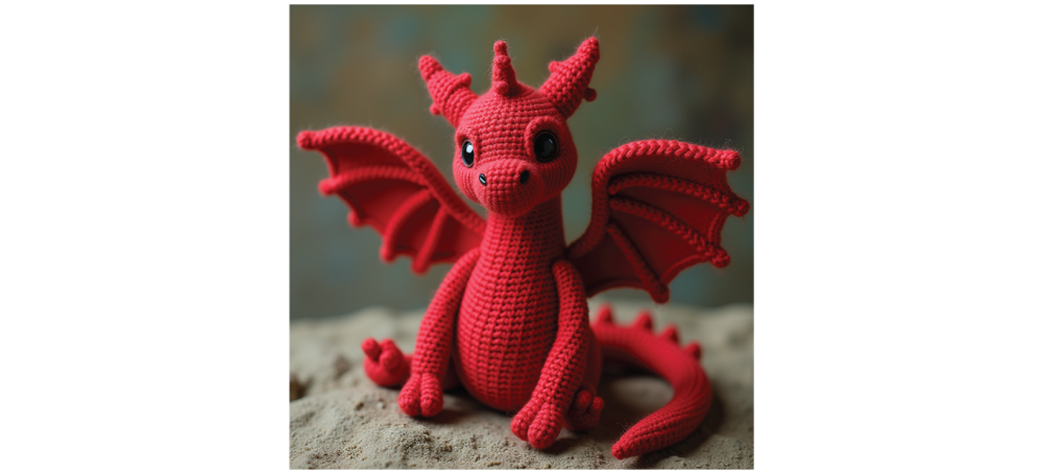
This first ComfyUI generation illustrates the kind of prompt-to-image result produced after the required Flux files are installed. section 10.1.2
Sampling has more moving parts than SD 1.5 or SDXL. The workflow includes RandomNoise, SamplerCustomAdvanced, KSamplerSelect, BasicScheduler, and ModelSamplingFlux. Euler is a workable default sampler, although not every KSamplerSelect option works with Flux. Guidance plays a role similar to CFG, but without negative prompts; reducing guidance can let prompt-specified style receive more attention. section 10.3 section 10.5
Flux is not automatically the right answer. Use it when high-quality images that closely map to prompts matter and suitable hardware is available. Prefer SD 1.5 when experimenting with fine-tuned checkpoints, and consider SDXL when a particular visual style is the priority. Model choice is a trade-off among output quality, adherence, style, customization, and compute cost. section 9.2.1 section 9.3
Training a Flux LoRA
In AI-Toolkit, name the training job, set a trigger word for your own reference, choose Flux as the model and Flux.1 as the architecture, then preserve multiple saved versions during training. Saving checkpoints along the way matters because an earlier LoRA can be preferable to an overtrained final one. Most configuration can remain at defaults; 6000 steps is recommended for the illustrated setup. section 13.3
