git push transfers commits from a local branch to a configured remote repository, making the code available there. A typical first push uses git push -u origin master. section 5.2.2
Use the first push to establish the relationship between the local and remote branches:
- Push the current local branch to the remote named origin. section 5.2.2
- Use -u, short for --set-upstream, so later pushes can use git push without repeating the remote and branch. section 5.2.2
- Replace master with main when that is the repository’s branch name; git branch shows the current branch. section 5.2.2
Publish a local app
After initializing, adding, and committing a local project, configure its GitHub remote and run git push -u origin master. Open the repository on GitHub to verify that the code arrived. section 5.2.2
Figure 5.7 Repo in GitHub after pushing the code
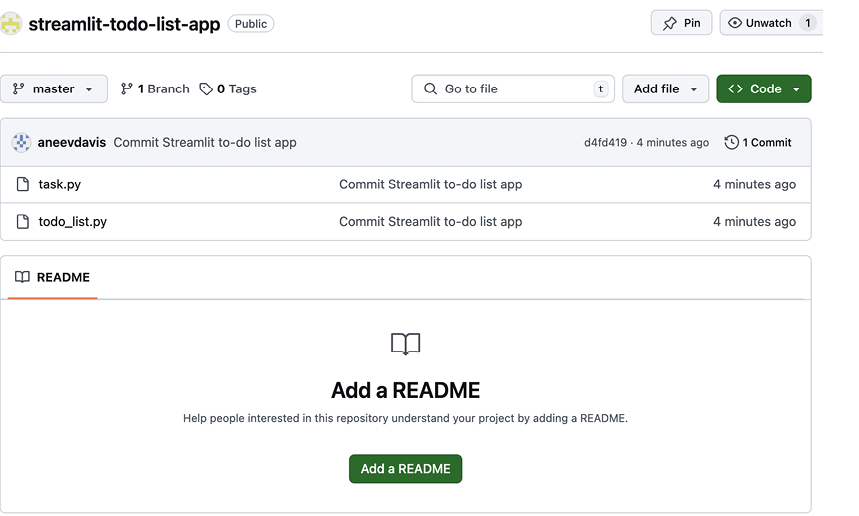
Inspect the repository after pushing to confirm that the code is present on GitHub. section 5.2.2


