A hypertext link is interactive text that points users toward another document, location, or resource. Its visual treatment should make that destination—and the act of clicking—easy to recognize. section 7.1.1
Make links legible without letting them hijack the page:
- Use underlining, contrasting color, or a brightness change to distinguish linked text from ordinary text. section 7.1.1
- Preserve sufficient contrast with the background, especially when adapting links for data visualizations. section 7.1.1
- Avoid underlining text that is not linked; users have learned to read a single underline as a clickable clue. section 7.1.1
A familiar link palette
Web links commonly use blue, underlined text. In a data visualization, an underline alone or an underline paired with a brightness change may keep the link discoverable while reducing competition with the data. section 7.1.1
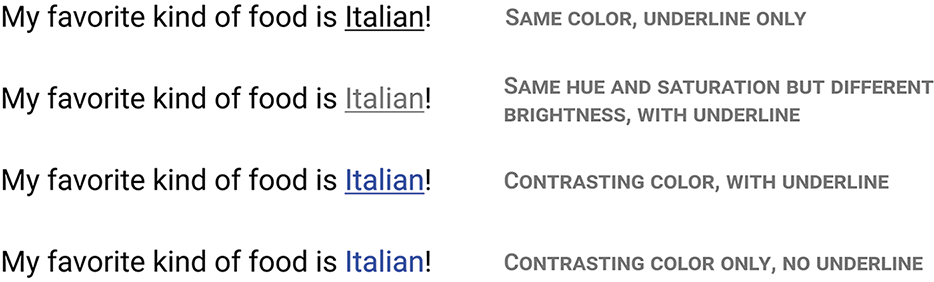
Compare visual cues for identifying hyperlink text, including underlining and color changes. section 7.1.1








