Identity and access management answers two cloud questions: who are you, and what are you allowed to touch? In Azure, Entra ID acts as the gatekeeper for users, applications, and processes. It maintains identities, credentials, and access-related information across tenants and subscriptions. section 6.6 section 6.3
A tenant is the identity boundary that controls users, resources, and applications. Human users can be created with basic identifying details, while applications and processes receive their own identities through service principals or managed identities. That keeps automation from relying on passwords scribbled on a metaphorical napkin. section 6.6 section 6.3
Common IAM responsibilities include:
- Create and manage users in Entra ID, then add passwords, group membership, and permissions as needed. section 6.3
- Give applications secure access with service principals when they need an Azure identity. section 6.6
- Use managed identities when Azure-hosted code needs to authenticate without storing secrets. section 6.6
- Connect identity management with MFA, passwordless login, RBAC, and zero-trust security. section 6.6 section 6.3
A storage account workflow
When creating a storage account, select the existing resource group in the Azure wizard. The tenant provides the surrounding identity and resource boundary, while later permissions determine which users or applications can access the storage account. section 2.2.4
Figure 6.6 Create a new user in Entra ID.
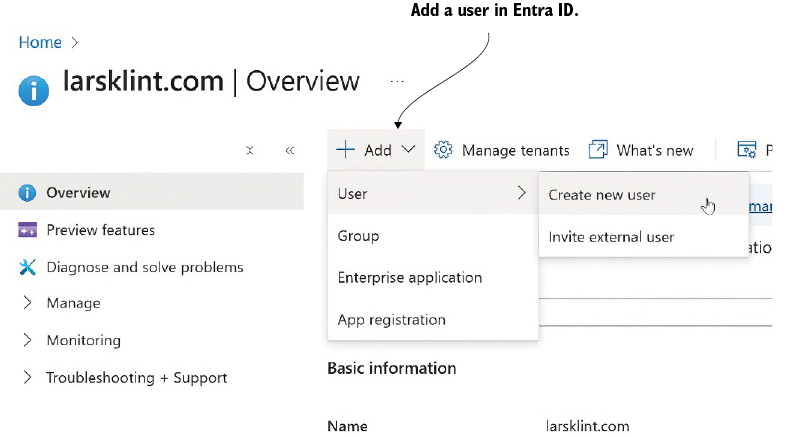
Use the user-creation figure to see the minimal starting information for a new Entra ID identity. section 6.3



