Interactive visualization changes or reveals information through user actions or dynamic data. Compared with static charts, it lets people explore datasets, inspect connections, focus on subsets, find outliers, and draw conclusions. section 1.3 section 7.1
A practical D3 workflow builds interaction around visible chart behavior:
- Listen for user events, such as mouse or touch input, and connect them to chart updates. section 7.0 section 7.1.1
- Filter existing charts to expose a relevant subset of data. section 7.0 section 7.1
- Use tooltips to reveal details without placing every value directly on the chart. section 7.0 section 7.1.1
- Animate enter, update, and exit selections with smooth, reusable transitions. section 7.0
Plan each interaction around the audience, available exploration time, device, subject knowledge, and technical confidence. Keep essential information visible, provide instructions when needed, and remove interactions that add novelty without improving understanding. section 7.1.1
Interactive flavor projects
The “98 flavors of Ben & Jerry’s,” “79 Additions of Ben & Jerry’s” chord diagram, and “Complete Ben & Jerry’s Flavor Guide” projects provide concrete visualization artifacts for exploring interactive presentation. section 1.3
“The 98 flavors of Ben & Jerry’s” project
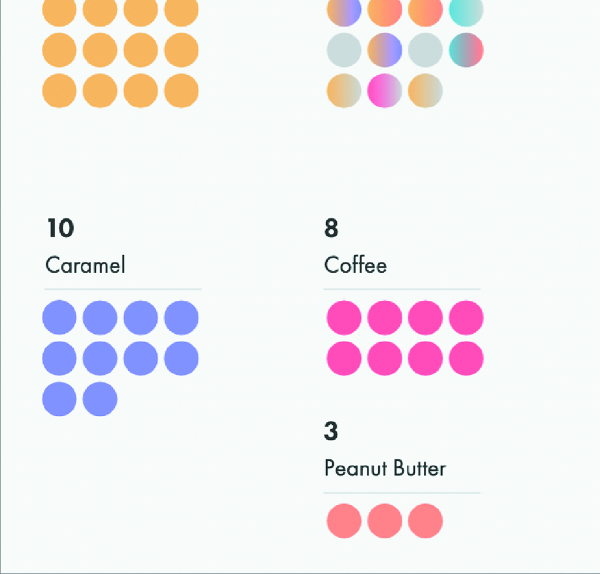
Browse the “98 flavors of Ben & Jerry’s” project as a concrete interactive-visualization artifact. section 1.3

