A LoadBalancer Service exposes an application outside the Kubernetes cluster through a cloud-provisioned or bare-metal load balancer. Its YAML resembles a ClusterIP Service; setting type to LoadBalancer is the key change, and a node port is not required for access. section 6.4.3
Create and verify a LoadBalancer Service with these administrator tasks:
- Generate a manifest with kubectl create svc loadbalancer lb-svc --tcp 8080:8080 --dry-run=client -o yaml > lb-svc.yaml. section 6.4.3
- In a kind cluster, install MetalLB and configure an IPAddressPool and L2Advertisement using addresses from the node network. section 6.4.3
- Run kubectl get svc and confirm TYPE is LoadBalancer and EXTERNAL-IP contains an allocated address. section 6.4.3
Observed external access
A Service can report TYPE LoadBalancer, an external address such as 172.18.255.1, and port 80:30499/TCP. Curling the external address returns the application response. section 6.4.3
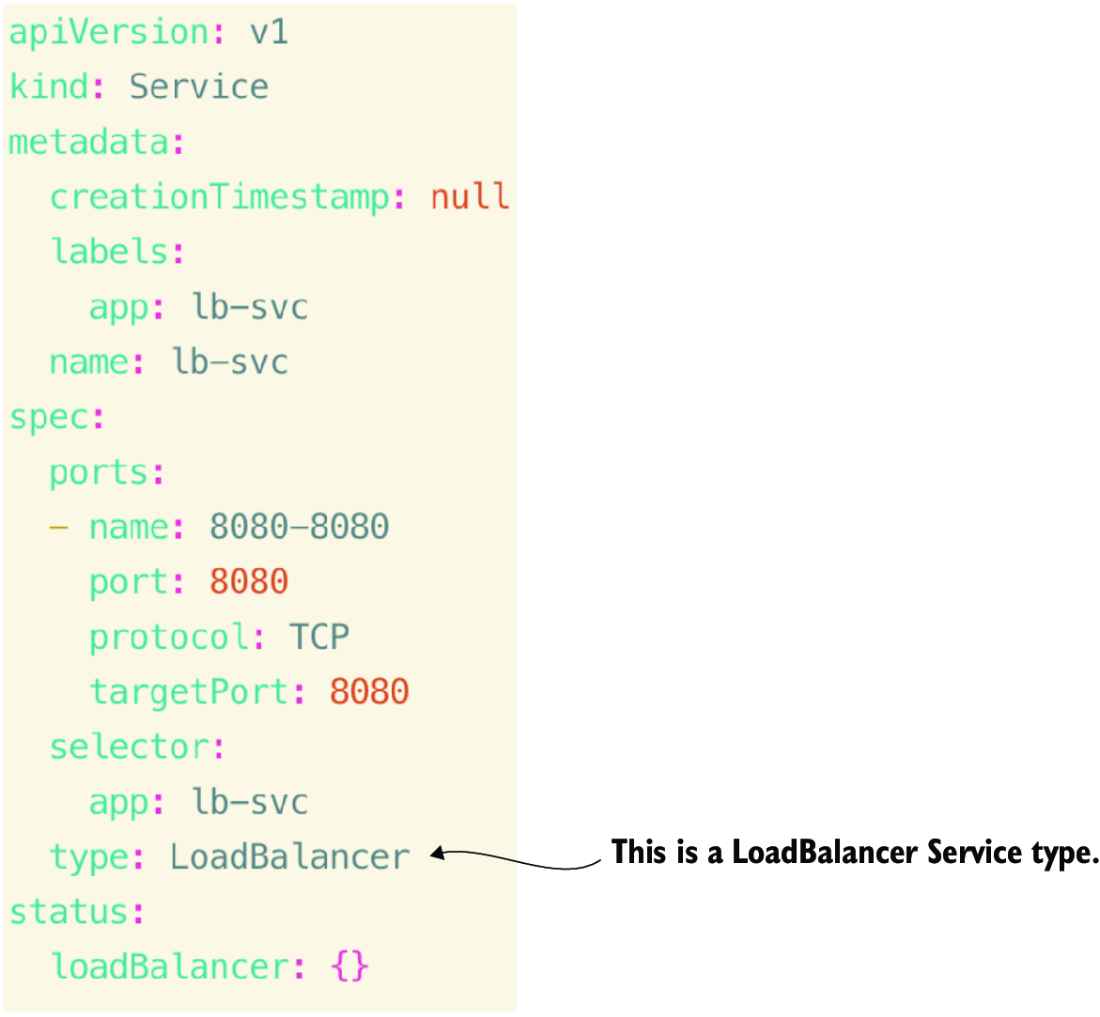
Use the YAML figure to compare the LoadBalancer manifest with ClusterIP and NodePort definitions. section 6.4.3




