NumPy is Python’s standard workhorse for numerical computing with multidimensional arrays. Its array structure represents data such as images naturally, while its API supplies familiar operations for processing that data. section 1.2.1 section 3.1.1
A NumPy image array can be understood through a few practical properties:
- Use dimensions for spatial coordinates and color channels; a color image commonly has height, width, and three color values. section 3.1.1
- Inspect ndim, shape, size, and nbytes to understand an array’s rank, dimensions, element count, and memory footprint. section 3.1.1
- Use NumPy operations in pipelines that load, preprocess, transform, filter, and save numerical data. section 3.1
Inspecting an image array
After loading an image with scikit-image, checking img.ndim can return 3, img.shape can return (667, 500, 3), and img.size can return 1000500. These values reveal the array’s three dimensions and total elements. NumPy can then be replaced by jax.numpy in many programs, although JAX requires functional updates instead of common in-place operations such as arr[i] += 10. section 3.1.1 section 1.2.1
Figure 3.1 An example of image processing we want to implement
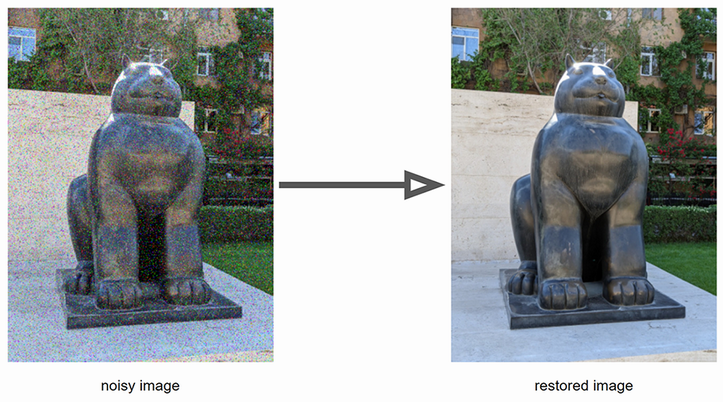
Use the image-processing figure to connect a visual denoising task with its underlying multidimensional array representation. section 3.1






