A prompt template is a reusable structure for assembling the input sent to a large language model. Rather than relying on a vague one-off request, it organizes the guidance the model needs: a role to adopt, a task to perform, features or constraints for the result, and examples of the desired pattern. The template supplies necessary context without burying the important instruction in irrelevant detail. section 3.1 section 3.5
Use the four parts as a practical prompt-design checklist:
- Role: state the perspective or behavior the model should take, such as a chef or dietitian. section 3.5
- Task: say exactly what to produce or accomplish. section 3.5
- Features: specify the required format, details, constraints, or qualities of the response. section 3.5 section 3.4
- Examples: provide representative inputs or outputs when a pattern is easier to demonstrate than describe. section 3.1
Templates make prompt creation repeatable. Put changing values in variables—placeholders replaced when the prompt runs—and keep stable instructions in the template. For example, “What color is this {breed} dog?” becomes a different final prompt when {breed} is replaced with “hound” or “sheep.” A composite prompt can similarly combine a user message, system message, and conversation history. section 3.3
Figure 3.4 Role, Task, Features, and Examples—elementary, my dear Watson
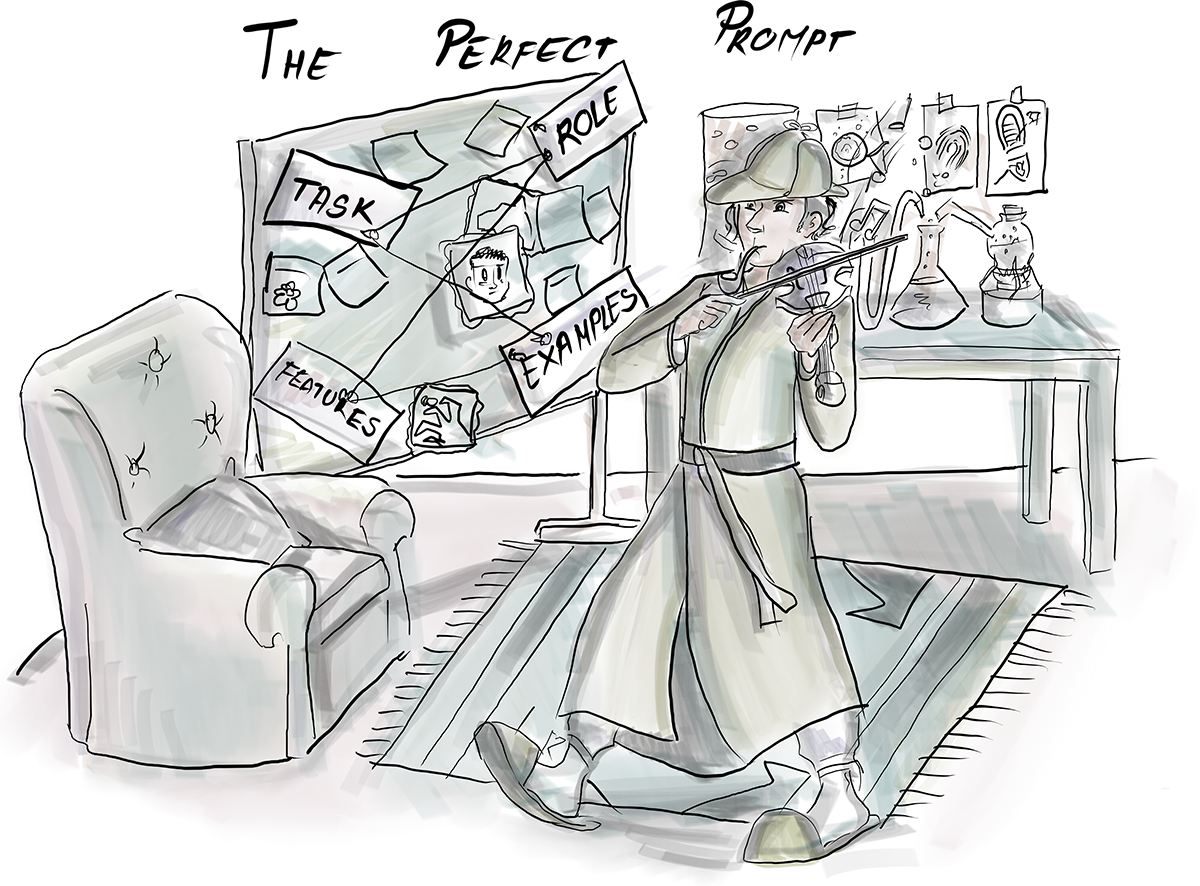
Use the diagram as a quick visual checklist for the four prompt-template parts: role, task, features, and examples. section 3.1
Remembering a conversation
A chat template can render prior exchanges together with the latest message: {history}, followed by “User: {message}” and an AI reply marker. After each turn, append the new input to history and inject the full history again before the next model call. This makes the conversation context part of every rendered prompt. section 3.3 section 3.4
Strengthen a template when a task needs more control. Repeat critical instructions, provide a fallback such as “not found,” split a complex request into smaller steps, request step-by-step reasoning, or ask for self-validation. These techniques aim to improve alignment, clarity, and reliability, but they do not remove the inherent possibility of incorrect or nonsensical output. section 3.2 section 3.1
Two-stage recipe workflow
A reusable template can also connect stages of an application. One prompt asks a chef to generate a detailed recipe from user input; a following prompt gives a dietitian role that refines the result toward healthier choices. The staged design separates generation from review while passing one model result into the next prompt. section 3.3 section 3.4




















