SmartEDA automates exploratory data analysis in R by combining descriptive summaries, diagnostics, and visualizations. It is especially useful for quickly inspecting realistic data before deeper analysis. section 17.0 section 17.4.3
A practical SmartEDA workflow moves from prepared data to a broad diagnostic report:
- Prepare a focused data frame with dplyr, derive analysis variables such as scoring margin and spread movement, and convert categorical results to factors. section 17.4.3
- Generate an interactive HTML report with ExpReport() for a high-level overview. section 17.4.3
- Inspect data structure and completeness with ExpData(), including row counts, variable types, missing values, and zero-variance variables. section 17.4.3
- Review numeric distributions and relationships with ExpNumStat(), ExpOutQQ(), ExpNumViz(), and scatterplots. section 17.4.3
- Summarize and plot categorical variables with ExpCTable() and ExpCatViz(). section 17.4.3
Comparing NBA spreads with final margins
For 1,230 NBA games, create margin = ptsR - ptsH, compare that margin with opening and closing home spreads, and classify spreadmove as up, down, or same. Run ExpReport(oddsdf4, op_file = "oddsdf4.html") and inspect ExpData(), ExpNumStat(oddsdf4, Outlier = TRUE, round = 2), ExpOutQQ(), ExpNumViz(), ExpCTable(), and ExpCatViz(). The categorical summary finds 639 games with spreads moving up, 397 moving down, and 194 unchanged. section 17.4.3
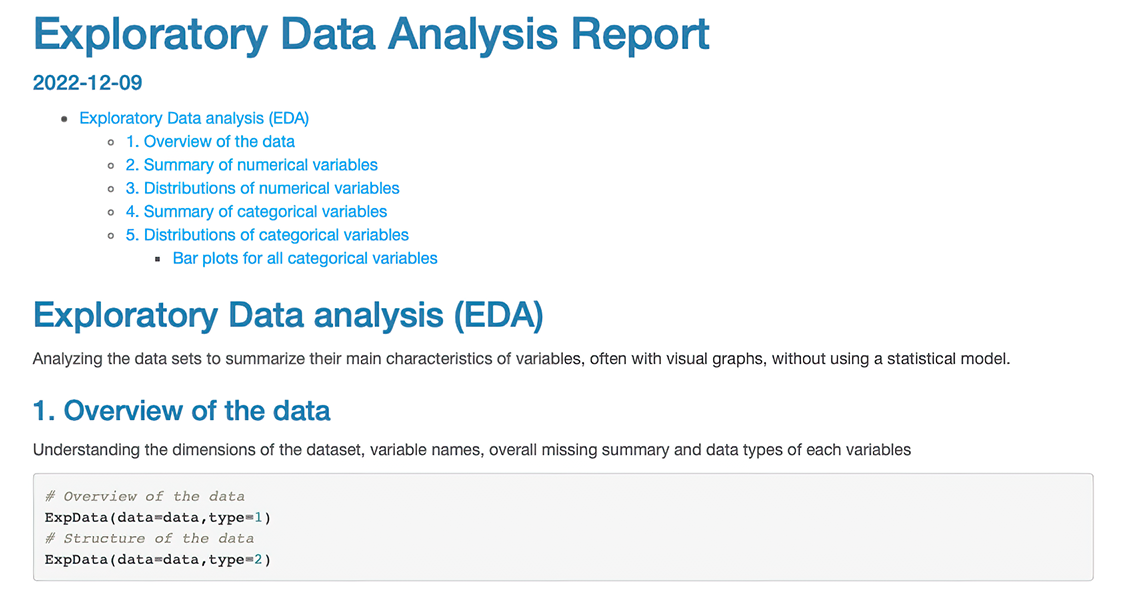
Browse the interactive HTML report preview to see how SmartEDA gathers exploratory results into one navigable artifact. section 17.4.3
