A split-complementary color scheme pairs one main hue with the two colors 30 degrees on either side of its opposite hue. The result brings contrast without making every color fight for attention. section 17.6
Build the scheme in two simple moves:
- Keep the original color as the page’s main hue. section 17.6
- Find its opposite by adding 180 degrees, then choose colors 30 degrees on either side of that opposite: add 150 degrees and 210 degrees to the original hue. section 17.7
- Use the two companion colors for content, navigation, buttons, borders, and other accents. section 17.6
A red-based scheme
Start with red, hsl(0, 100%, 50%). Its split-complementary colors are hsl(150, 100%, 50%) and hsl(210, 100%, 50%). Red can anchor the page while the other two hues handle content, navigation, and accents. section 17.6
Figure 17.11 Use the Web Design Playground’s Color Scheme Calculator to generate a color scheme for a given RGB code.
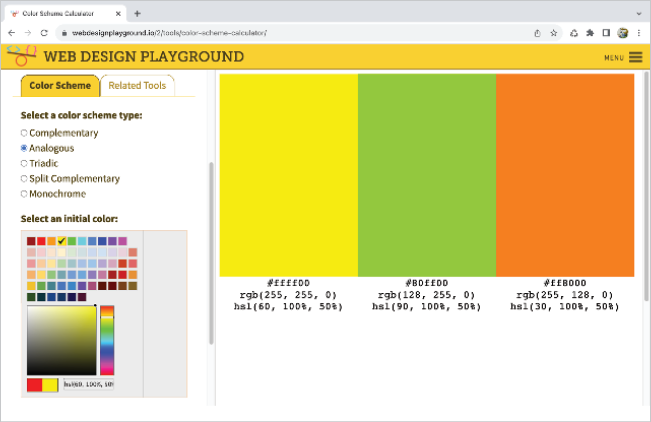
Use the Color Scheme Calculator to select a starting color and generate its split-complementary palette with RGB, rgb(), and hsl() values. section 17.7


