Web Deploy is an IIS-related client-server component for publishing web applications directly from Visual Studio to a Windows web server. It replaces separate file-transfer work with an integrated deployment path. section 12.3 section 12.3.3
A practical IIS deployment setup requires:
- Install IIS and Web Deploy on the Windows VM that will host the ASP.NET Core web API. section 12.3
- Open TCP port 8172 for inbound traffic used by the IIS management service and Web Deploy. section 12.3.3
- Create a Visual Studio publishing profile that targets the compatible Windows server and publishes the application directly. section 12.3.3 section 12.4.1
Publishing an API to an Azure VM
For a production web API hosted on a Windows Azure VM, install IIS and Web Deploy, allow port 8172, then choose a Visual Studio target that publishes and deploys together. The application can go live at the end of the publishing process. section 12.3 section 12.4.1
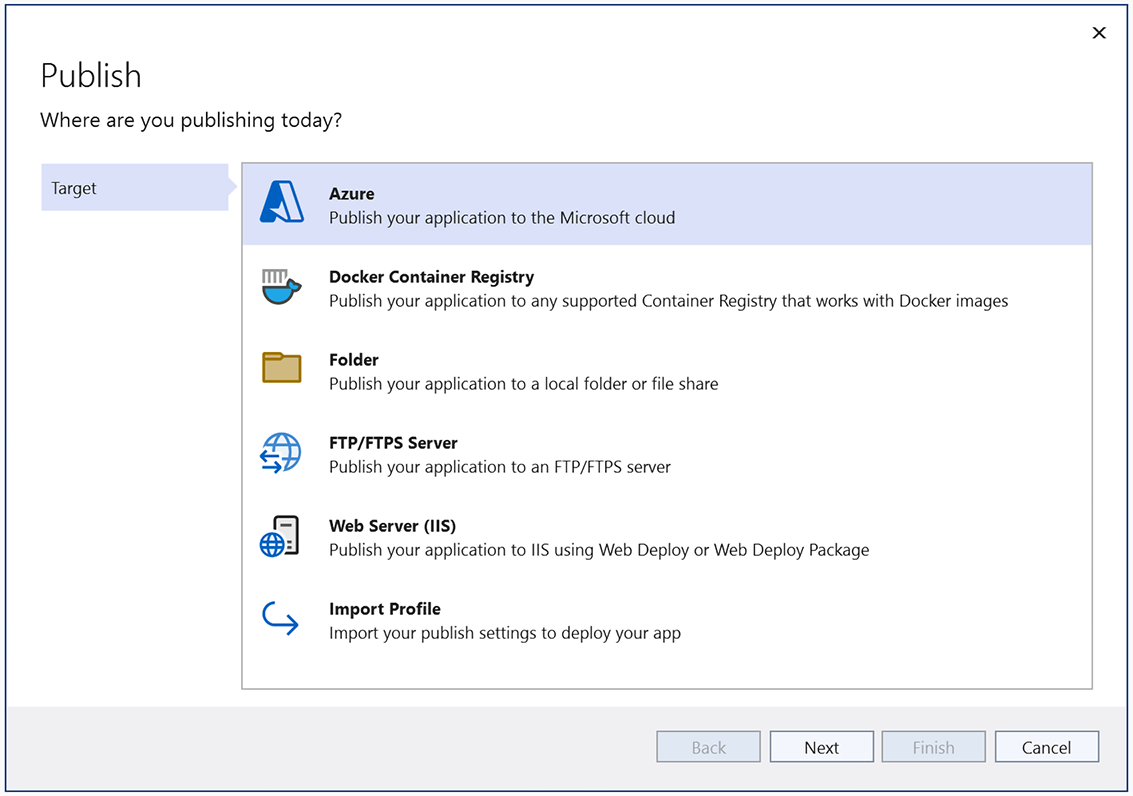
Use the Visual Studio Publish feature overview to locate deployment targets and publishing-profile options. section 12.4.1
