Windows Server is Microsoft's operating system platform for hosting server applications and network services. For an ASP.NET Core web API, it provides the server environment where a release can run and be accessed by product owners or testers. section 12.1.5 section 12.0
A Windows Server deployment can use a physical or virtualized machine. ASP.NET Core is cross-platform, so the same application can also target Linux, Docker, or other publishing environments with minor process differences. section 12.1.5 section 12.0
A practical Windows Server deployment commonly involves:
- Creating a Windows Server virtual machine in Microsoft Azure. section 12.0
- Installing and configuring Internet Information Services (IIS) to host the web application. section 12.0
- Publishing and deploying the ASP.NET Core web API from Visual Studio. section 12.0
Azure Windows Server VM
A tutorial deployment selects Windows Server 2022 Datacenter: Azure Edition - Gen 2, X64 architecture, the Standard B2ms size, and password-based administrator access. Azure Spot can reduce costs for short-term testing, but eviction risk makes standard pay-as-you-go capacity preferable for a permanent production-like machine. section 12.2.2
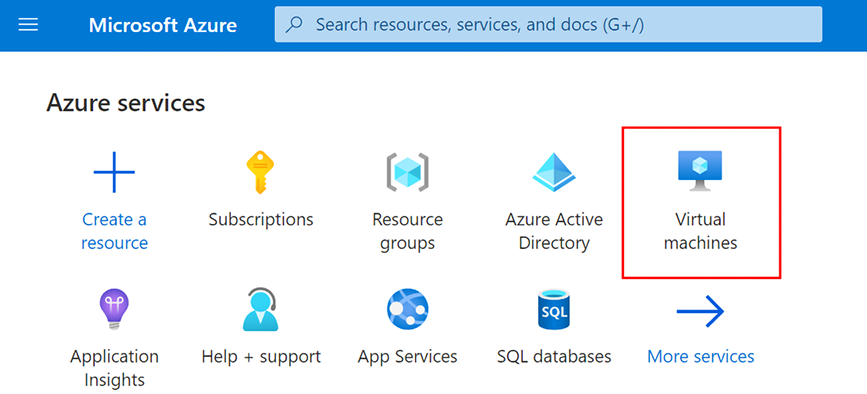
Use the Azure VM creation figure to review the principal machine settings before creating the Windows Server host. section 12.2.2
