Biometrics uses measurable physical or behavioral traits—such as a fingerprint, face, iris, voice, or palm-vein pattern—to verify identity. In passwordless authentication, a device performs the biometric check and confirms access without sending the biometric itself to the application. section 15.0 section 15.1
WebAuthn connects device biometrics to public-key authentication. During enrollment, the device registers the biometric and creates authentication credentials; during login, a successful match produces a cryptographic token that the application can accept. section 15.0 section 15.1.5
Common biometric approaches include:
- Fingerprint scanning on phones, laptops, and security systems. section 15.1
- Facial recognition using face scans, infrared depth sensors, or two-dimensional and three-dimensional mapping. section 15.1.2
- Iris or retina scanning, voice recognition, and palm-vein scanning for specialized or high-security uses. section 15.1
Phone login or payment approval
A user enrolls a fingerprint or face on the device. The application requests authentication, the device compares the new scan with its stored biometric data, and a matching result authorizes login or a sensitive action such as approving a payment. section 15.1.5
Biometrics improves convenience but is not risk-free. Secure devices store a mathematical template rather than the original face or fingerprint, yet stolen biometric data cannot be changed like a password. Weak facial-recognition systems may accept photos or videos, while users can experience false rejections. section 15.1.2 section 15.4
Figure 15.1 Biometric authenticatation is a three-step process. First, a user registers their data. Then the user tries to authenticate and be verified by the system.
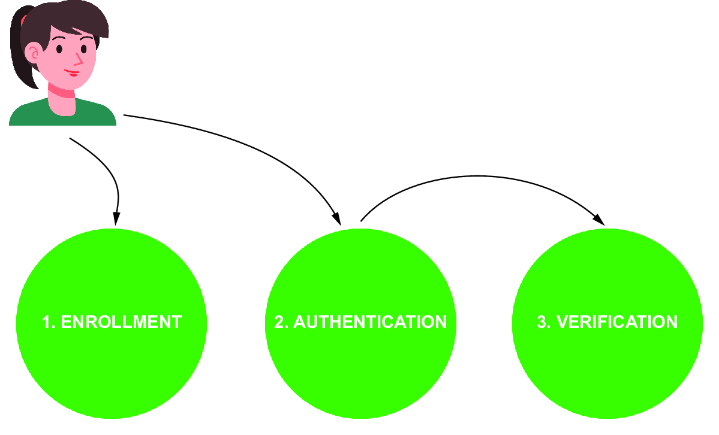
A compact visual model of the three-step biometric process: registration, authentication attempt, and verification. section 15.1.5


