Phishing is a social-engineering attack that impersonates a trusted party and tricks someone into entering credentials or performing an unauthorized action. It targets people with legitimate system access rather than exploiting only software or infrastructure. section 2.1.4 section 2.3
A convincing cloud-login email
Attackers identify Joe, an ACME cloud DevOps engineer, then send an email that appears to come from Google Cloud. The link opens a replica login page. Joe enters his username, password, and one-time password; the fake form captures them, enabling access to ACME’s cloud infrastructure and data. section 2.1.4
Reduce phishing exposure by strengthening the authentication boundary:
- Use physical security keys with WebAuthn: the key checks the site origin and refuses to authenticate to a mismatched URL. section 2.3 section 15.4
- Treat passwordless mechanisms carefully: magic links can still be phished, while OTPs require expiration, single use, and rate limiting. section 14.3
- Recognize that convincing appearance is not sufficient evidence of legitimacy; verify the destination and rely on authentication technology that validates it. section 2.1.4 section 15.4
Figure 2.5 A user has to insert the YubiKey into their laptop and then click the button on the login screen for an application that supports a physical security key. The YubiKey checks whether the URL of the site the user is trying to log in to matches the URL stored on the YubiKey. If the URLs don’t match, the login fails. A YubiKey can protect against phishing attacks such as the one described in this section.
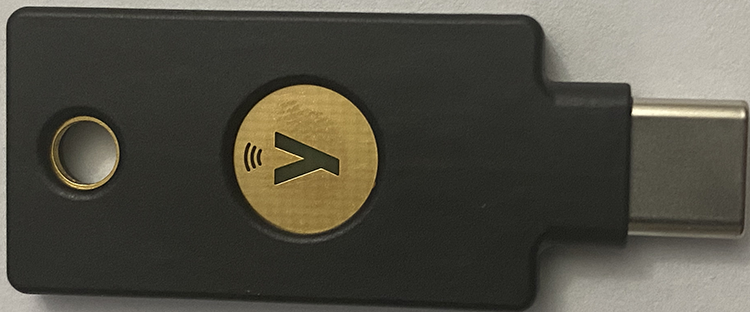
Shows how a YubiKey validates the website URL before completing authentication, making the phishing scenario concrete. section 2.1.4




