Logs are time-based behavioral data recorded as text. For Kubernetes applications, stdout and stderr provide details about activity and failures inside a container; container logs are written on the node under /var/log/containers. section 1.4.5 section 8.1
Use `kubectl logs POD` to inspect a container’s output. In a multi-container pod, specify one with `-c CONTAINER`, or request output from all containers with `--all-containers`. section 8.1.1
Diagnose a failing MySQL pod
When a MySQL pod enters CrashLoopBackOff, `kubectl logs` reveals that no database password option was specified. Add the required environment variable to the Deployment, then check that the pod reaches Running. section 8.1
Figure 8.1 The stdout and stderr container logs are sent to a log file managed by kubelet in /var/log/containers.
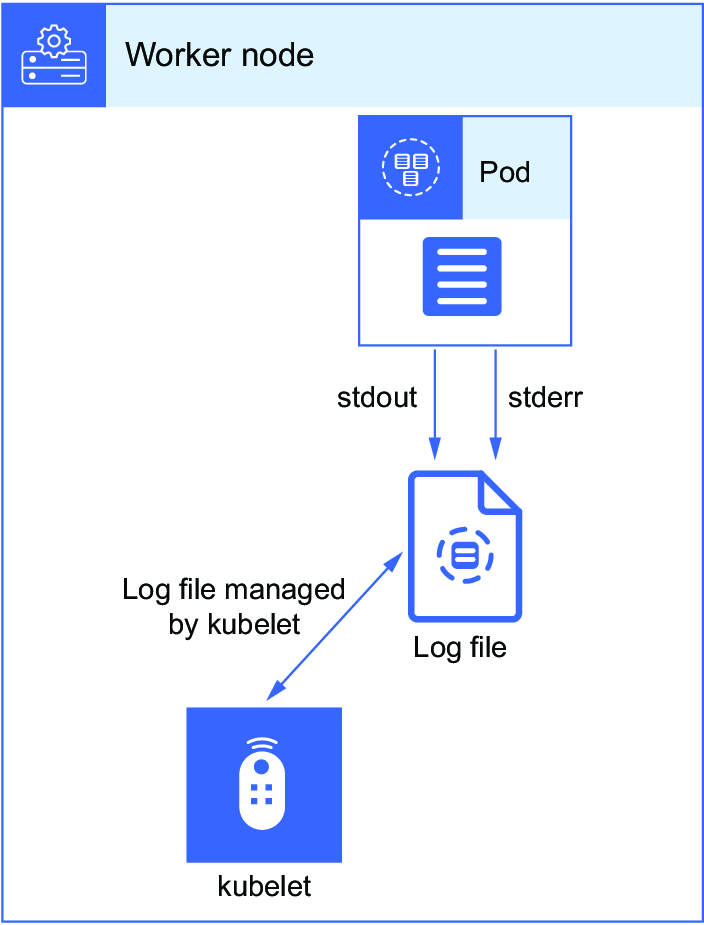
Trace how container stdout and stderr become log files on the node. section 8.1













