ASP.NET Core logging records application state to help track errors, monitor performance, and diagnose problems. Logging providers forward messages to destinations where they can be viewed, stored, or processed; built-in options include console, debug, and EventSource providers. section 15.3
Use ILogger<T> to assign messages a category, conventionally the class that generates them. Messages carry severity levels from Trace through Critical; use app.Logger for logging in Program.cs. section 15.3.1
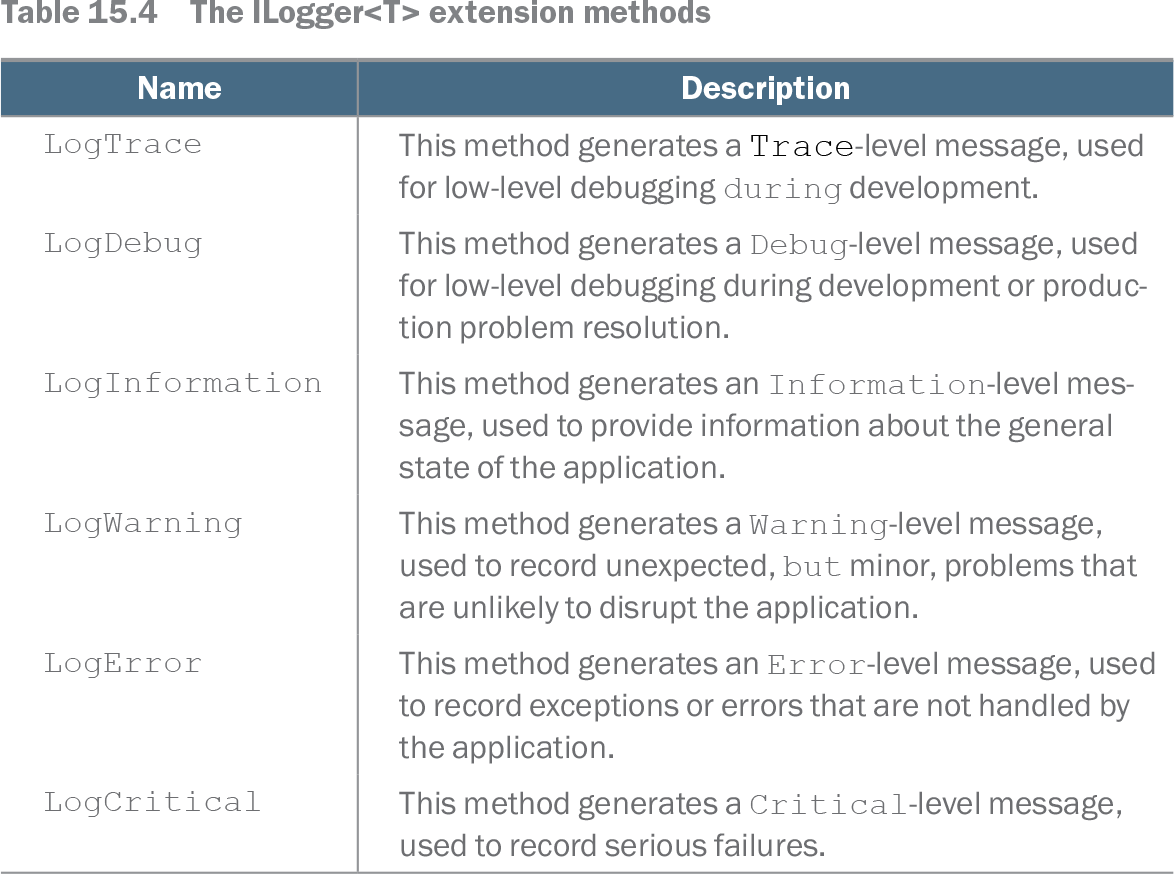
Table 15.4 The ILogger<T> extension methods (view table figure)
| Name |
Description |
|---|---|
| LogTrace |
This method generates a Trace-level message, used for low-level debugging during development. |
| LogDebug |
This method generates a Debug-level message, used for low-level debugging during development or production problem resolution. |
| LogInformation |
This method generates an Information-level message, used to provide information about the general state of the application. |
| LogWarning |
This method generates a Warning-level message, used to record unexpected, but minor, problems that are unlikely to disrupt the application. |
| LogError |
This method generates an Error-level message, used to record exceptions or errors that are not handled by the application. |
| LogCritical |
This method generates a Critical-level message, used to record serious failures. |
Compare the six severity levels and the kinds of messages each is intended to record. section 15.3.1
Logging a request
A population endpoint uses ILogger<Population> to log when request processing starts and finishes. Requesting /population makes the Debug messages visible in console output. section 15.3.1