A sketch is a quick, rough plan for a web page. Before writing HTML and CSS, use pencil and paper to move the design from your head onto a surface you can inspect and change. section 5.2 section 10.2
Keep the sketch simple:
- Draw the page's main sections. section 5.2
- Mark each section's approximate location and size. section 15.3
- Add a phrase describing the content each section will contain. section 10.2
- Use the result to plan typefaces, colors, and the initial HTML and CSS structure. section 10.70
A quick page sketch
For a photo gallery, draw a header with the logo and title, a navigation area, a main area for image thumbnails, and a footer with copyright and social links. The drawing only needs to show the page's rough arrangement and contents. section 15.3
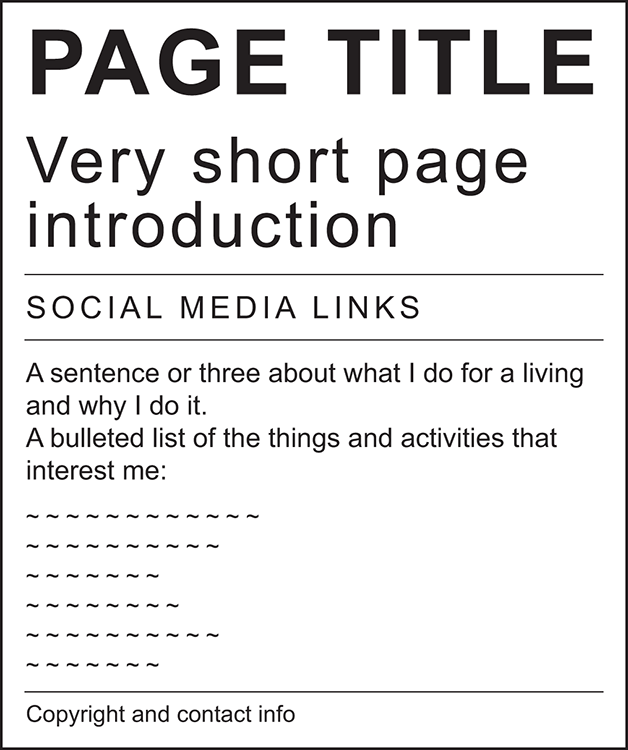
Use the figure as a visual model for a rough layout sketch before coding. section 5.2

