WebAssembly is a portable, low-level instruction format and virtual machine that runs inside browsers. High-level languages compile to it for execution near native performance, with access to browser APIs, the DOM, CSS, and asynchronous HTTP requests. section 37.0
Blazor WebAssembly uses this environment to run a Blazor application entirely in the browser. Components remain recognizably Blazor: Razor directives, event handlers, and C# code compile into a C# class, but that class executes client-side rather than on the server. section 37.0 section 37.3.2
A WebAssembly application changes several practical design decisions:
- Use HTTP requests for data access. Browser restrictions prevent WebAssembly applications from using SQL through Entity Framework Core. section 37.3.2
- Inject HttpClient and call API endpoints such as /api/people; JSON extension methods can deserialize responses directly into application types. section 37.3.2
- Use relative navigation URLs when an application has a configured base path. A link such as forms/create stays under /webassembly/, whereas /forms/create escapes that managed route. section 37.3.2
- Expect a larger download, incomplete browser support, and a restricted API surface compared with server-side execution. section 37.0
Loading and deleting people
A List.razor component can load people with Http.GetFromJsonAsync<Person[]>("/api/people"), display a loading row until data arrives, and issue Http.DeleteAsync($"/api/people/{p.PersonId}") before refreshing the list after a successful response. section 37.3.2
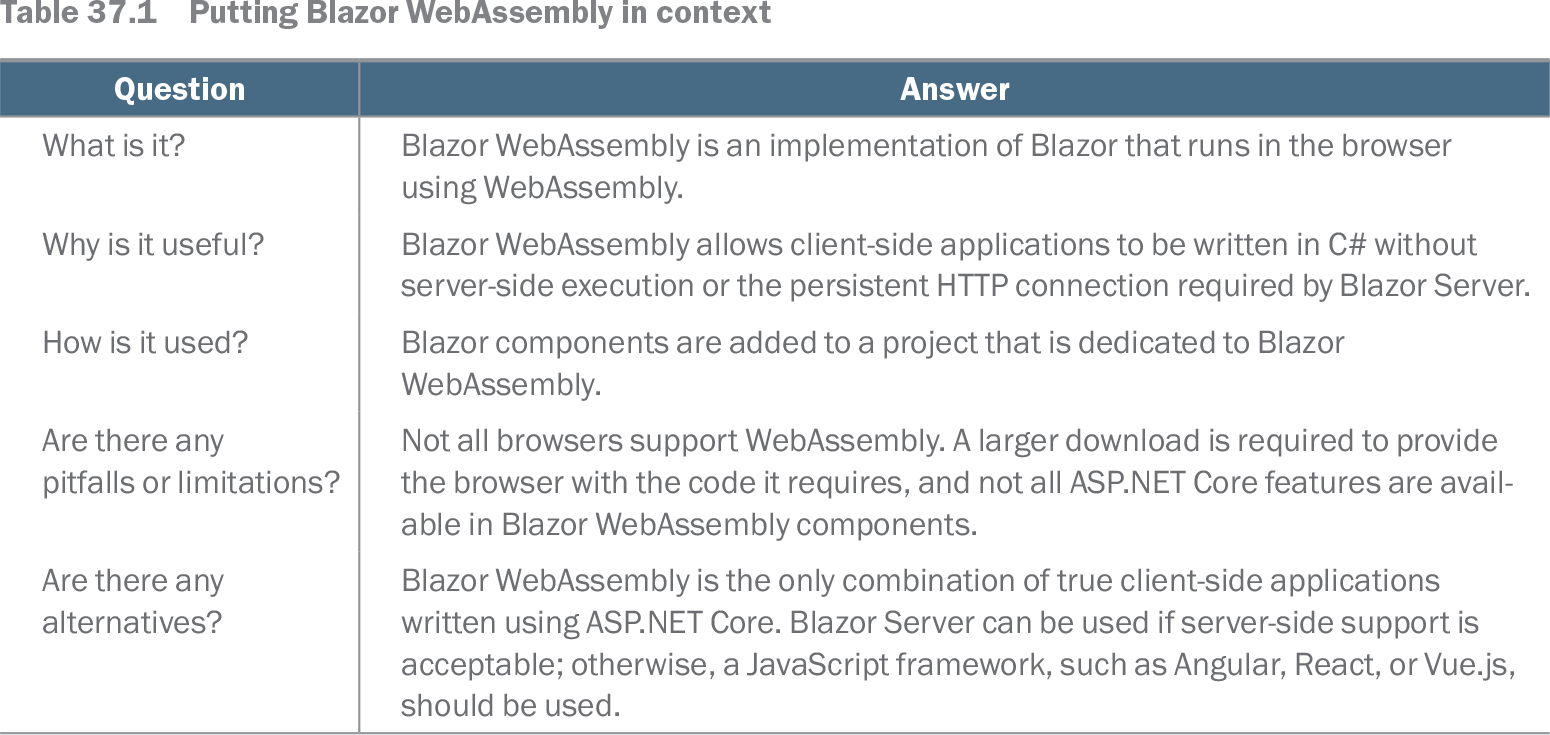
Table 37.1 Putting Blazor WebAssembly in context (view table figure)
| Question |
Answer |
|---|---|
| What is it? |
Blazor WebAssembly is an implementation of Blazor that runs in the browser using WebAssembly. |
| Why is it useful? |
Blazor WebAssembly allows client-side applications to be written in C# without server-side execution or the persistent HTTP connection required by Blazor Server. |
| How is it used? |
Blazor components are added to a project that is dedicated to Blazor WebAssembly. |
| Are there any pitfalls or limitations? |
Not all browsers support WebAssembly. A larger download is required to provide the browser with the code it requires, and not all ASP.NET Core features are available in Blazor WebAssembly components. |
| Are there any alternatives? |
Blazor WebAssembly is the only combination of true client-side applications written using ASP.NET Core. Blazor Server can be used if server-side support is acceptable; otherwise, a JavaScript framework, such as Angular, React, or Vue.js, should be used. |
Use the context table to compare WebAssembly’s client-side execution model, benefits, project arrangement, limitations, and Blazor Server alternative. section 37.0