Input validation checks form data before processing it and gives users feedback when their entries are invalid. In web forms, checks can run in the browser or in a server handler. section 8.0 section 8.4
Choose where to validate based on the check:
- Use browser-side HTML checks for simple constraints such as field length; feedback can appear without sending a request to the server. section 8.4 section 9.1
- Check complex conditions in the server handler, such as whether a username is already registered. On errors, re-render the form with a suitable message. section 8.4
Tutor forms
A registration form accepts a username, password, password confirmation, tutor name, image URL, and profile. A sign-in form accepts a username and password; failed authentication returns the form with an error message. section 8.0 section 9.1
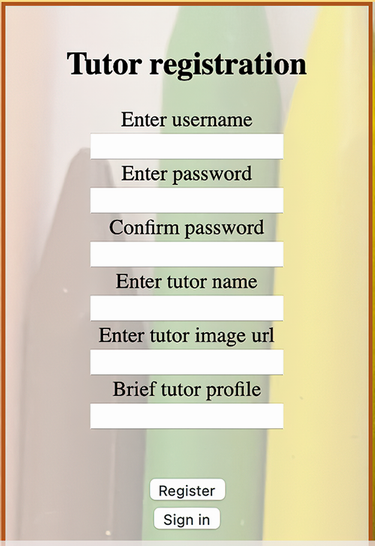
The tutor registration form shows the kind of multi-field form whose submitted data needs validation. section 8.0





























