An MCP server is a service that gives compatible agents and applications a standard way to discover and call tools. Think of it as a USB-C hub: one connection can expose many reusable capabilities while assistants choose which tool to use. section 8.2
An MCP server supports a practical separation between assistants and the systems they use:
- Expose stable tools such as fetch_invoice, create_ticket, or get_customer_timeline rather than exposing entire underlying systems. section 8.2
- Let multiple assistants discover and reuse the same tools, so changes to an ERP, CRM, or ticketing system can be handled centrally. section 8.2
- Document tools, control access, and centralize logs to create a practical boundary for compliance and auditing. section 8.2
A culinary travel assistant
A HungryTraveler assistant combines existing recipe, itinerary, and email capabilities. An MCP server turns flows in the project into discoverable tools, allowing the assistant to invoke the appropriate abilities and later expose the experience through a website. section 8.3
Figure 8.9 MCP servers act like USB-C hubs for agents: one universal plug with many possible tools.
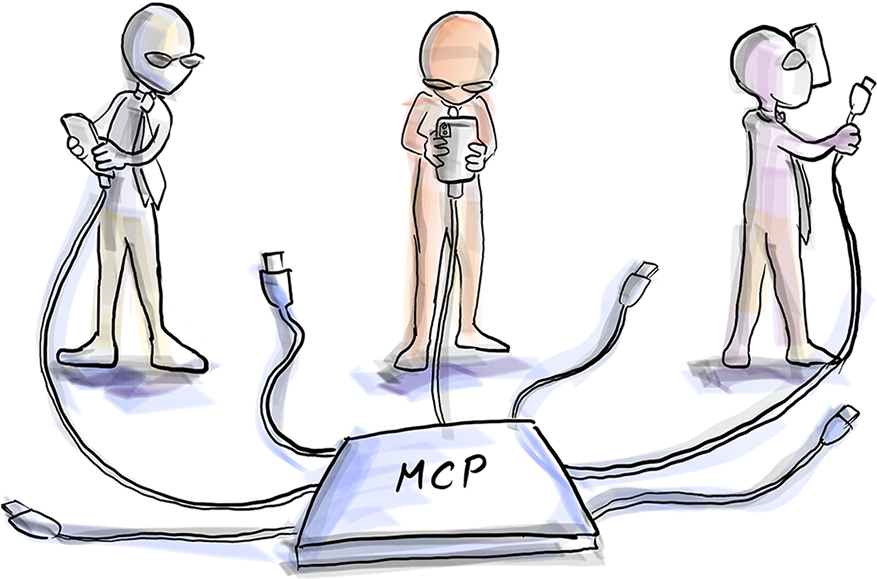
Use the USB-C-hub diagram to visualize how one MCP connection can make many tools available to agents. section 8.2
In Langflow, exposing flows as tools can instantiate an MCP server automatically. The same pattern can be built directly in Python: FastMCP defines the server and decorated functions, while an MCP client performs the handshake, lists tools, and invokes them. A stdio server communicates directly with another program without opening a network port. section 8.4











