A virtual machine is a software-emulated computer that provides an isolated operating environment on physical or cloud infrastructure. It can host applications and services like a dedicated server while remaining configurable through a cloud platform. section 12.2 section 1.1.2
A VM is a deployment target rather than a complete deployment solution. After creating it, configure the operating system, network access, required runtimes, web server software, and application deployment. section 12.2 section 12.1.5
A cloud VM configuration typically includes:
- Choose a subscription, resource group, name, region, operating-system image, architecture, and login credentials. section 12.2.2
- Assign disk capacity and configure networking, including inbound TCP ports required by hosted services. section 12.2 section 12.2.2
- Review management, monitoring, advanced extensions, tags, antimalware, backups, updates, and automatic shutdown options. section 12.2.2
- Install IIS and the runtimes needed by the ASP.NET Core application, publish the application, and test the deployed service. section 12.2
Windows VM deployment target
Create an Azure VM using Windows Server 2022 Datacenter: Azure Edition—Gen 2 and X64 architecture. Configure its network access, install IIS and ASP.NET Core dependencies, then publish the web API to the VM. Azure Spot pricing can reduce cost, but the VM may be evicted when capacity is needed. section 12.2 section 12.2.2
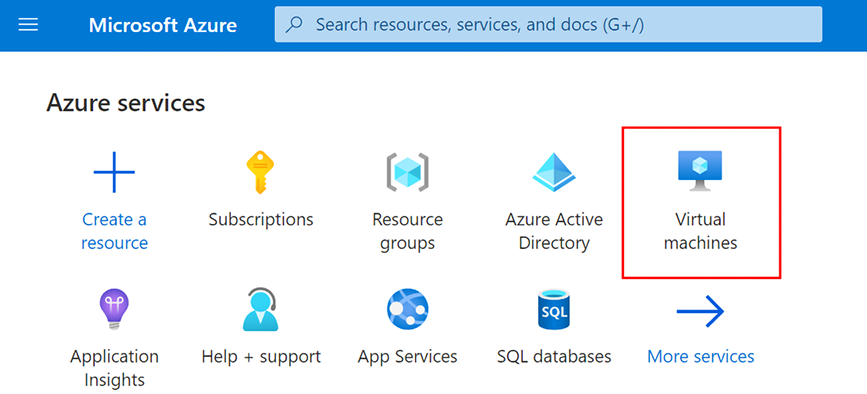
Use the Azure creation view to inspect the VM setup flow and its configuration entry point. section 12.2.2















