A virtual machine provides a repeatable environment by running an operating system and application stack in an isolated software-defined computer. Teams can configure multiple VMs similarly, reducing differences between development, testing, and deployment environments. section 4.1.1
A VM-based deployment model typically combines:
- Jenkins jobs that create VMs and record deployment parameters and outcomes. section 4.1.1
- A hypervisor that monitors and runs VMs across a cluster of physical computers. section 4.1.1
- Predefined VM configurations that reduce manual server and VM changes. section 4.1.1
- An entire operating system alongside the application, bringing all bundled tools and resource costs with it. section 4.1.1
Figure 4.3 Jenkins Jobs or scripts encapsulated the operational knowledge of how to do deployments in an imperative way, defining step-by-step what needs to be done. This is a complex task, hard to maintain and modify, and very specific to the tool we're using. On the other hand, virtual machines are resource-intensive and not portable across cloud providers.
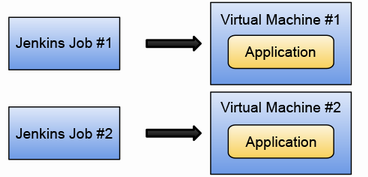
The deployment comparison highlights the operational trade-off: imperative Jenkins scripts are difficult to maintain, while VMs consume resources and lack portability across cloud providers. section 4.1.1















